Blog
How Urgent Care Clinics Show Live Wait Times on Waiting Room ScreensNovember 10, 2026

Announcements, bell schedules and lunch menus on every hallway screen
Display NOW puts daily announcements, event calendars, lunch menus and emergency messages on every screen in your school or district, managed from one dashboard. Business Edge includes a commercial Edge Player for each screen, so first period never starts with a blank TV.


Rated by our customers

Businesses trust Display NOW
Screens managed
Countries




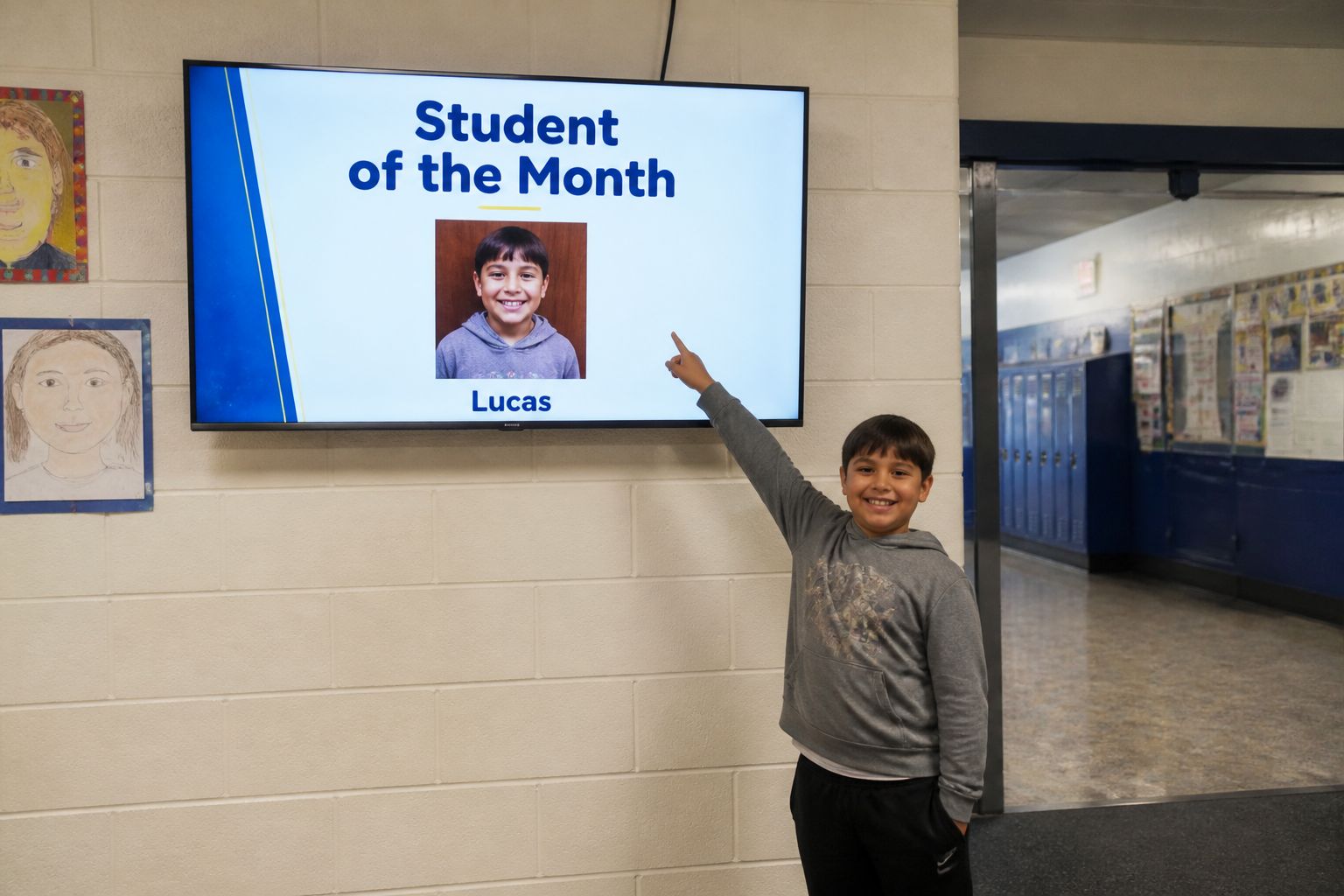
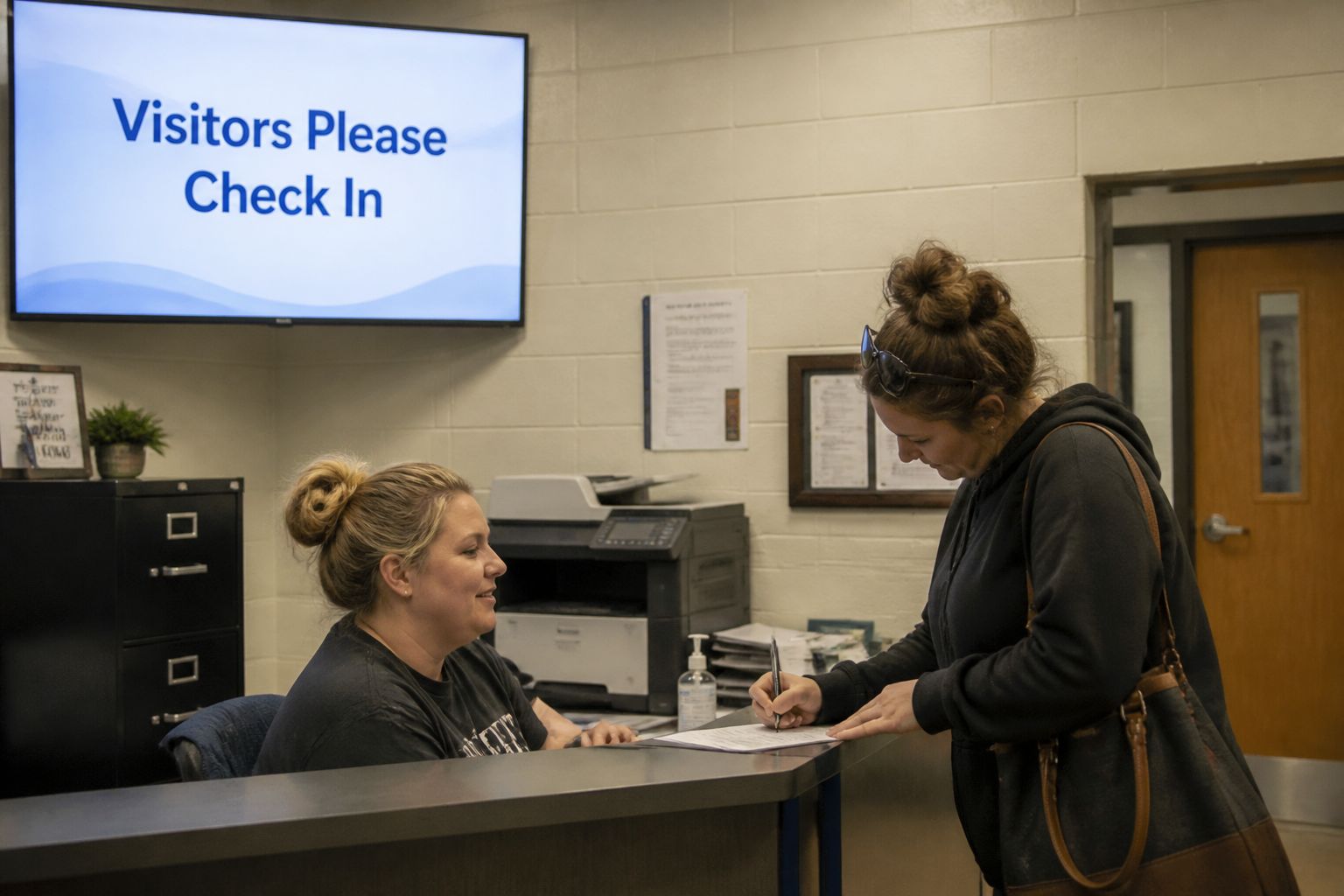


Flyers fall off the wall, the PA gets talked over, and the hallway TV still shows last semester’s spirit week.
Students and staff miss what was said over the intercom. A screen in every hallway keeps it in front of them all day.
If only one person knows how to update the TV, nothing changes when they’re out. Invite staff by email into a group and they can update its screens from any device.
Consumer streaming sticks update and crash during the school day. The Edge Player is built to run all day, and screen-health alerts tell you by email or SMS if a screen goes offline.
Last week’s game is still on screen. Schedule content ahead on a calendar so it starts and stops by itself.
Display NOW gives front offices, activity directors and district IT one dashboard for hallway, cafeteria, gym and front-entrance screens.

Share the day at a glance. Bell schedules, today’s events, lunch menus and weather in one multi-zone layout.
Schedule the whole semester. Games, concerts, picture day and testing weeks start and stop on their own.
Design in Canva or with AI, publish in one click. Staff and student clubs can create slides without design skills.
Keep lobby screens fresh with Your Daily Loop. Ready-to-play trivia, brain fitness and conversation starters fill the gaps between announcements.
Some features, including remote device support and Power BI dashboards, depend on your plan. See Plans for what’s included at each tier.
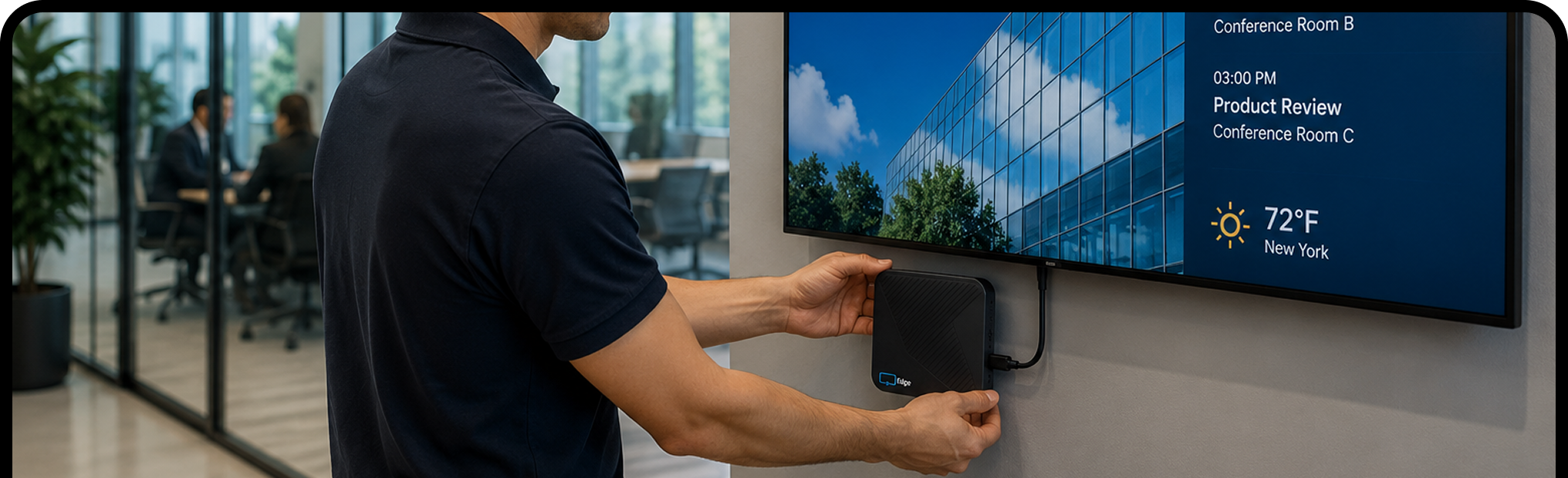
Plug the Edge Player into any TV or display with an HDMI port, connect it to Wi‑Fi, and enter the pairing code.
Sign in with Google or Microsoft. Start from a template, save from Canva, or upload your own. Most people have their first screen live in about 6 minutes.
Publish once and every selected screen updates. Change it from your laptop or phone, wherever you are.


Start free on one screen, upgrade when you're ready, or choose Business Edge with the Edge Player included. Want screens that run themselves? Add Your Daily Loop for ready-to-play content that refreshes every day.
Your Daily Loop: done-for-you content, refreshed every day
Common-area screens are the hardest to keep fresh. Nobody owns them, so nothing gets updated, and the screen ends up showing the same slide from six months ago.
Your Daily Loop fills that gap. Professionally curated programming updates automatically every day. Your team sets it once and doesn't touch it again.
Available as an add-on. See pricing for details.
Try every feature free for 14 days on the TVs you already have, with no credit card. When you’re ready, move to Edge Players for screens that run all school day. Display NOW is built for indoor screens, not outdoor LED marquee signs.


It’s using TVs in hallways, cafeterias, gyms and front offices to show announcements, schedules, menus and alerts, managed from one online dashboard.
Yes. Invite staff by email into a group for the screens they manage and they can update content from any phone or laptop. The Activity Log shows who changed what, and when.
Any TV or monitor with an HDMI port. The Edge Player, included with Business Edge, is a commercial signage player built to run 24/7. Already have a supported device? Display NOW’s other plans run on it with the free Display NOW app.
Yes. Create a folder for each school with its screens under it, send district-wide messages to every building, and give each school its own group to manage its content. Sign-in works with Google Workspace and Microsoft Azure AD on every plan.
Yes. You get 14 days of full access with no credit card. Try it on real screens with real content. Need more time? Just ask and we’ll extend your trial. There's also a free plan for one screen, forever, and a 30-day money-back guarantee on paid plans.
Yes. Set screen-health alert policies with an offline threshold in minutes, and get alerts by email or SMS (US and Canada), or a digest if you prefer fewer messages. The Dashboard shows which screens are online, offline or need attention.
Yes. Click a slot in the Schedules calendar to create an event by time of day, day of week or date range. Events run in each screen's local time zone, and changes sync to screens within 60 seconds.
Images, videos, PDFs, playlists, Google Slides, PowerPoint, Canva designs, Power BI dashboards, Google Sheets, web pages, YouTube, Vimeo, live weather and news headlines. Design from scratch with the built-in AI designer or start from a template.
No. Display NOW includes a Designer with Generative AI (describe what you want and AI designs it) and ready-made templates. If you already use Canva, the Canva integration saves designs straight to Display NOW in a few clicks. Your team can have professional-looking content ready in minutes, with no design experience or agency needed.
Your screens keep playing. Display NOW stores images, videos and PDFs on the device, so if the internet drops, that content keeps running. Web pages, dashboards and news headlines need a connection and refresh as soon as it’s back. Screens sync any changes automatically when they reconnect.