
Blog
Restaurant Digital Signage – Transforming Dining Ambiance April 28, 2024

Amazon Fired Your Digital Signage. We're the Antidote.
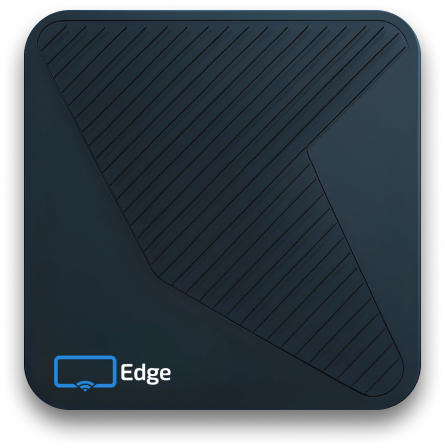
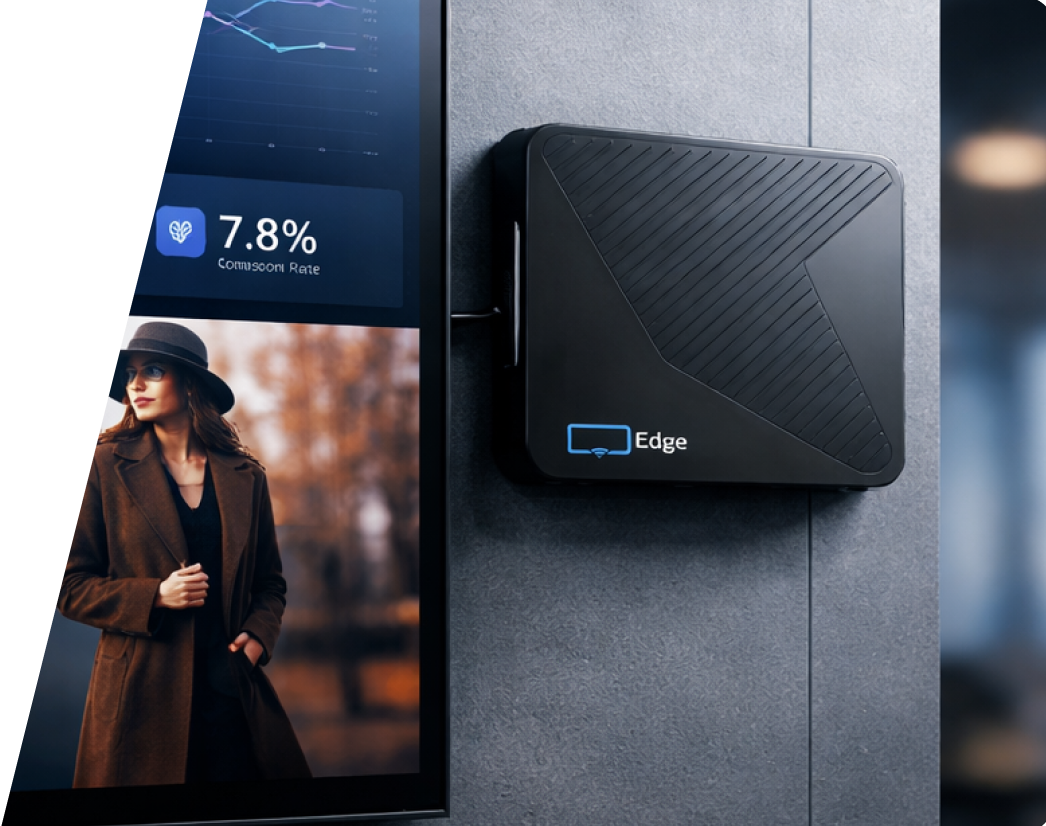
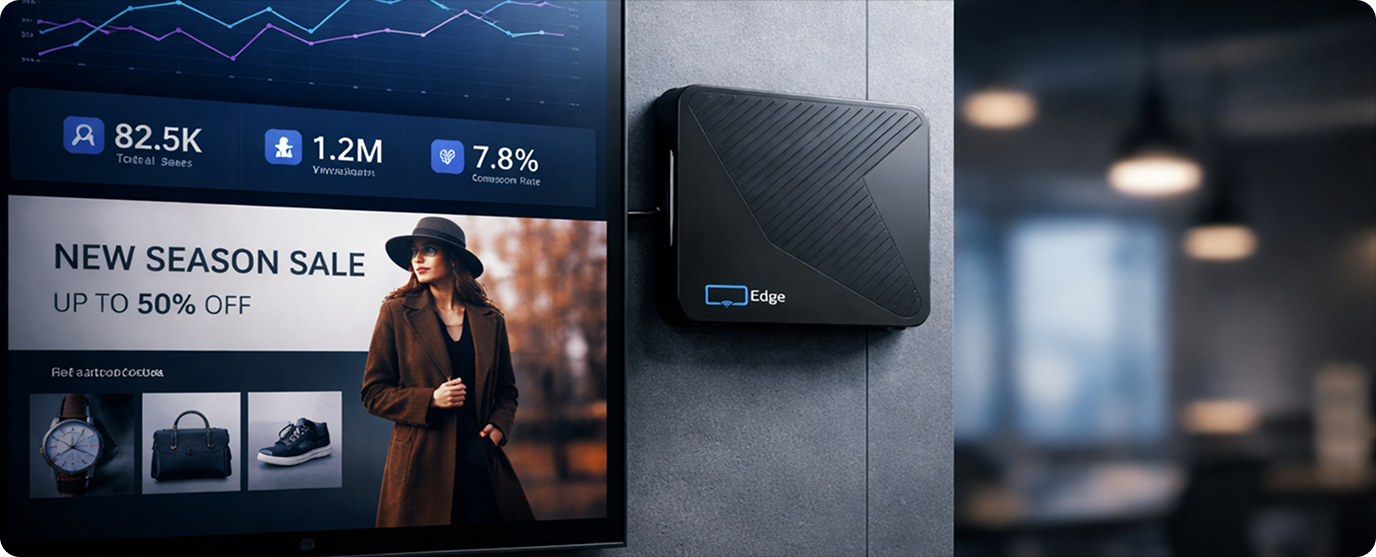
A Fire Stick was built for a couch, not a business. The Display NOW Edge Player is a digital signage player engineered for 24/7 commercial use. Free with any annual plan, starting at $180 per year.
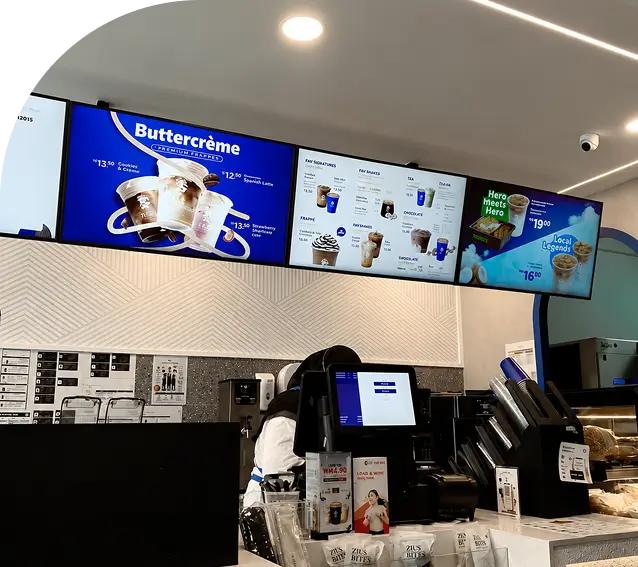
Amazon didn't build the Fire Stick for business. They built it for living rooms. Now they're charging another $100 for a rebranded signage stick running the same hardware. A menu board freezing at lunch rush sends customers out the door. A blank screen behind the front desk costs you a client meeting. Every black screen is lost revenue.


.svg)

More than a Fire Stick has.
Fire Sticks ship with 1.5GB of RAM, enough for streaming at home but not for 4K signage running around the clock. The Display NOW Edge Player has 4GB, double. The extra headroom keeps your content playing cleanly when it gets demanding.




.svg)
.svg)
.svg)
.svg)
Yes. The Display Now Edge Player uses Cold Start Offline Playback to cache your uploaded 4K media on its 32GB of built-in flash memory.
If the internet drops, the screens keep playing from local cache without going black.
.png)
The Edge Player’s built-in Watchdog Timer monitors the device around the clock. If the Display NOW TV Player App is closed for whatever reason or if it becomes unresponsive, Watchdog triggers a reset, and the device recovers in under 60 seconds.
Consumer sticks don't have an equivalent, so when a Fire Stick freezes, someone has to physically restart it on-site.
.png)
Automatically, during off-hours. Updates push remotely with just seconds of downtime. Fire Sticks fall into what we call the 24/7 Update Trap. Consumer devices are designed to update only when idle, but signage never sits idle, so patches get skipped for months.
The big guys sometimes force a manual update that requires someone with a TV remote at every device, at every location.
The Edge Player was built for 24/7 from day one and avoids this entirely.
Runs cooler and faster than older consumer chips, so you avoid slowdowns during peak hours.
4K playback at 60fps with no dropped frames. Every frame renders the way it was intended.
Enough headroom for multi-zone layouts, live data feeds, and rich media without lag.
Less bloatware = better performance.
Your 4K video loops stay cached and ready. A Fire Stick has roughly 4GB usable, most of which is taken by apps and system components you'll never use.
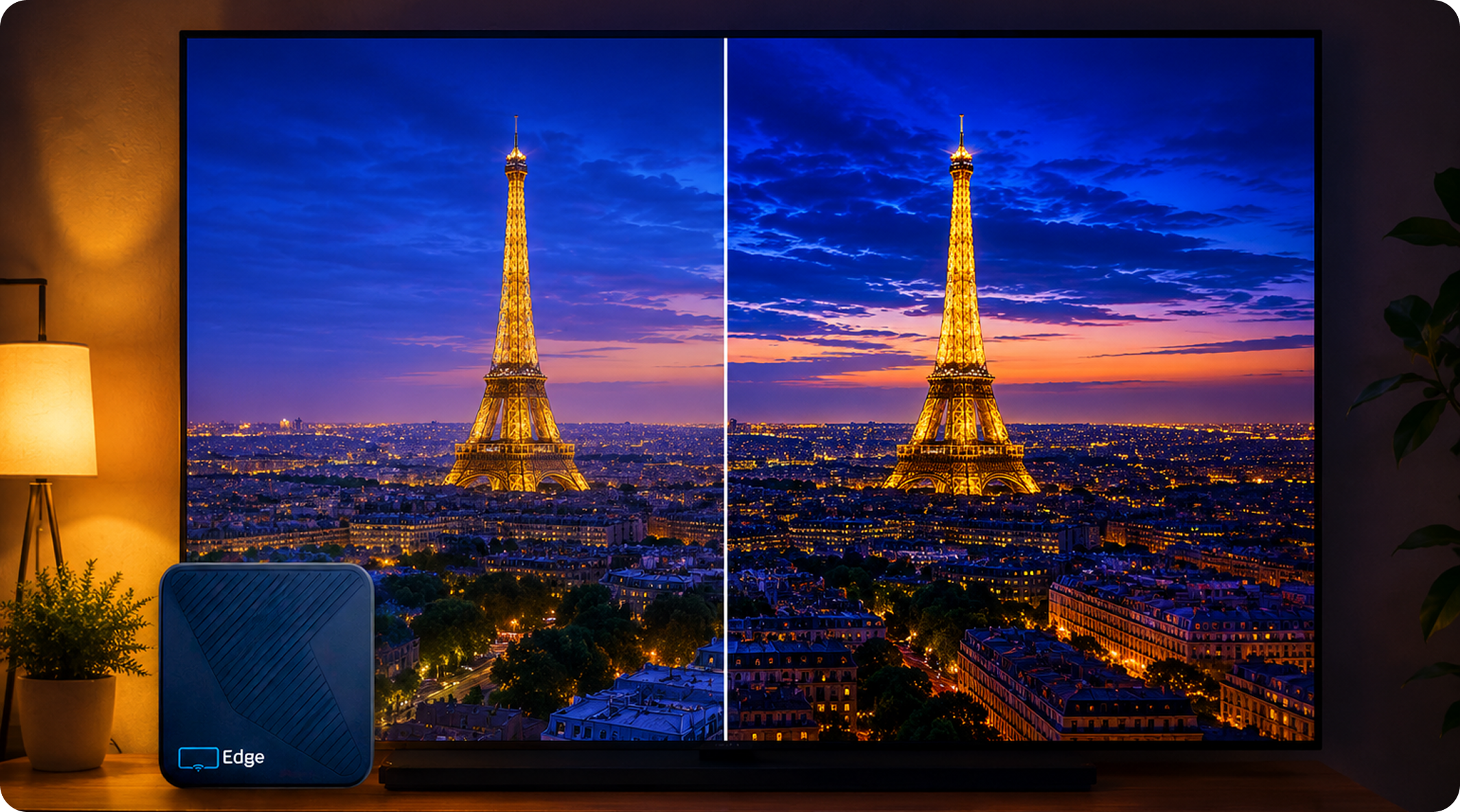
Actively upscales standard content to 4K Ultra HDR. Competitors have no equivalent.
Smooth, cinematic-quality playback on any size commercial screen.
Two independent paths to your network. If one fails, the other keeps your screen live.
Your screen turns on in the morning and off at night, on a schedule, with no extra hardware.
If the device ever hangs, it reboots itself in under 60 seconds. No truck roll, no ladder.
Open, stable platform. Full compatibility with Display NOW Manager.
Built for continuous operation. Consumer sticks are rated for 2 to 4 hours of home streaming.
Display NOW owns the entire technology stack. There are no open-source vulnerabilities and no WebSocket security risks. Built for enterprise IT compliance.
Compliance where it matters
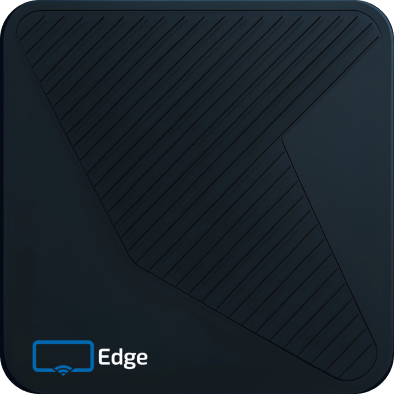
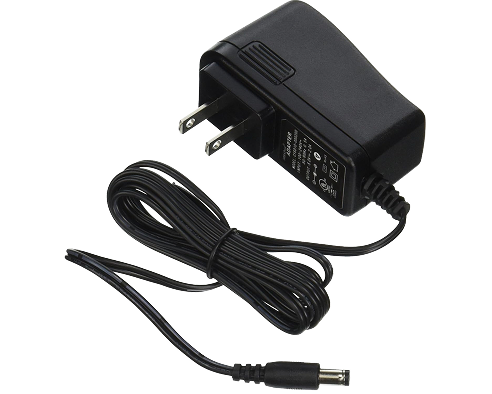
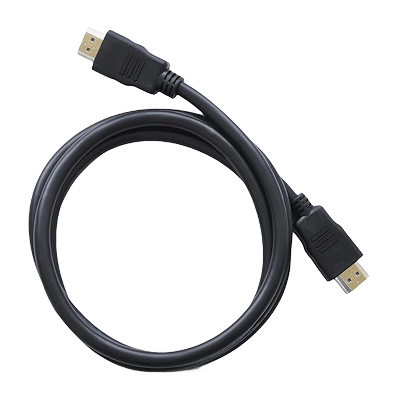
Connect the Display Now Edge Player to your screen via HDMI and power it on.
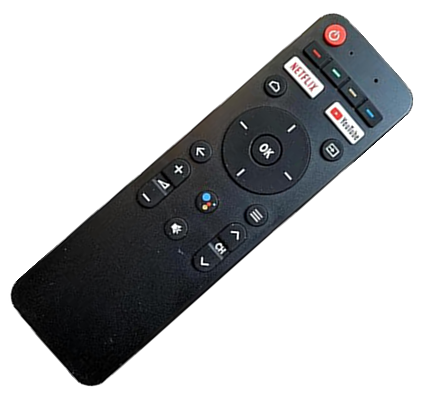
The Edge Setup Wizard launches automatically on first boot. No Amazon setup wizard, home screen, screensavers, or consumer streaming apps to uninstall, no hunting for the right remote.
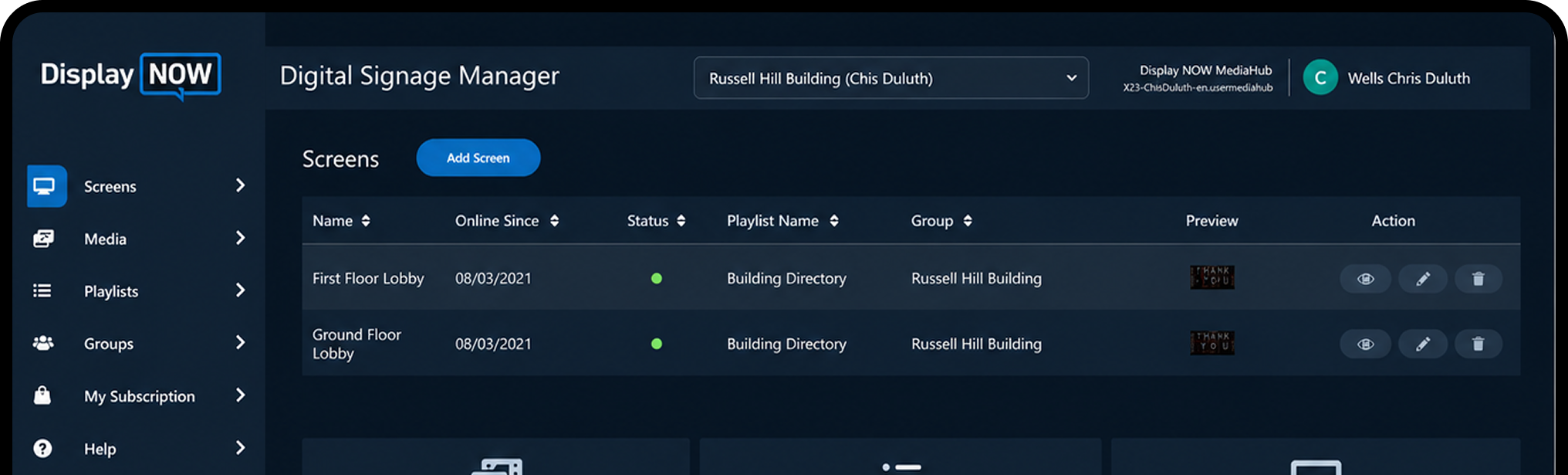
Pair the device to Display NOW Manager and push your first playlist. Most customers are live in under 15 minutes.
Raspberry Pi-based. Reliable for DIY and dev environments — not built for commercial 24/7 signage duty cycles.
Repackaged consumer streaming stick
Consumer Amlogic stick (S905Y2/Y4)
2 to 4GB
2GB
2GB
SD card. Prone to corruption under sustained read and write cycles. Recovery requires on-site physical access, with no remote fix.
Approx. 4GB usable (bloatware takes the rest)
8 to 16GB
Broadcom BCM2711, 28nm, 1.5 GHz
Consumer SoC (thermal throttling under sustained load)
S905Y2 or Y4, 12nm, up to 2.0 GHz. Older chip generation, no AI upscaling.
Varies. SD card and passive cooling limit sustained performance.
Can reach 85°C, which may trigger thermal throttling
Consumer-grade thermal tolerance
No
No
No
Yes — 4K @ 60fps (H.265)
Yes (drops frames under sustained load)
Yes — Basic 4K
SD card corruption is Yodeck's most reported failure mode. When it happens, someone has to be on site. There's no remote recovery path.
Thermal throttling and forced consumer updates interrupt playback.
Consumer-grade reliability
Requires manual SD card check. Recovery isn't guaranteed.
Boots to a locked, ad-supported Amazon home screen, which can require physical remote interaction at the location before signage resumes.
Manual relaunch of signage app is typically required.
Content updates push from dashboard. Firmware and recovery require on-site SD card access.
Designed for consumer use. Auto-launch is blocked on Fire OS 8 (the version on the 2nd-gen 4K Max), and the device sleeps after 4 hours of remote inactivity.
Both require manual workarounds to keep signage running..
Auto-updates available, but advanced remote controls (forceOTA, scheduled windows, command execution) require the $299+ ProPlayer/ProMax tier.
Limited and dependent on SD card stability
Approx. 4GB usable cache
Limited by storage
Yes — Ad-free
No, except on consumer devices, where Amazon ads appear on the home screen.
Yes — Ad-free
Open-source platform. Security depends on the build.
Locked to Amazon's ecosystem and policies.
Third-party platform dependency.
Steeper learning curve. Technical setup, SD card management, and network configuration make it a better fit for IT-comfortable teams than for general business operators.
N/A
N/A
Free with Yodeck subscription
$59.99 + signage software
$99 each
IT-confident teams comfortable managing Raspberry Pi hardware and troubleshooting on site when SD cards fail.
Home entertainment
Budget signage on OptiSigns only
| Features | Display NOW + Edge Player | Yodeck (Raspberry Pi 4) | Amazon Fire TV Stick 4K Max | OptiSigns Stick |
|---|---|---|---|---|
| Hardware | Purpose-built commercial player | Raspberry Pi-based. Reliable for DIY and dev environments — not built for commercial 24/7 signage duty cycles. | Repackaged consumer streaming stick | Consumer Amlogic stick (S905Y2/Y4) |
| RAM | 4GB | 2 to 4GB | 2GB | 2GB |
| Storage | 32GB eMMC Ability to extend Media storage via USB or SD card which is fine when it does not run the entire OS from it. | SD card. Prone to corruption under sustained read and write cycles. Recovery requires on-site physical access, with no remote fix. | Approx. 4GB usable (bloatware takes the rest) | 8 to 16GB |
| Processor | Amlogic S905X5M, 6nm, up to 2.5 GHz | Broadcom BCM2711, 28nm, 1.5 GHz | Consumer SoC (thermal throttling under sustained load) | S905Y2 or Y4, 12nm, up to 2.0 GHz. Older chip generation, no AI upscaling. |
| Operating Temperature | Stable at 50°C under continuous 24/7 load | Varies. SD card and passive cooling limit sustained performance. | Can reach 85°C, which may trigger thermal throttling | Consumer-grade thermal tolerance |
| AI Super Resolution | Yes — Built-in AI-SR chip | No | No | No |
| 4K Playback | Yes — 4K Ultra HDR @ 60fps | Yes — 4K @ 60fps (H.265) | Yes (drops frames under sustained load) | Yes — Basic 4K |
| 24/7 Reliability | Yes. Watchdog with auto-recovery in under 90 seconds. This allows you to change settings if needed. | SD card corruption is Yodeck's most reported failure mode. When it happens, someone has to be on site. There's no remote recovery path. | Thermal throttling and forced consumer updates interrupt playback. | Consumer-grade reliability |
| Boot After Power Loss | Zero-touch auto-recovery. Resumes scheduled playlist automatically with no remote, no login, and no manual steps. | Requires manual SD card check. Recovery isn't guaranteed. | Boots to a locked, ad-supported Amazon home screen, which can require physical remote interaction at the location before signage resumes. | Manual relaunch of signage app is typically required. |
| Update Behavior | Cloud-managed. Updates push remotely in seconds during off-hours, with no content interruption. | Content updates push from dashboard. Firmware and recovery require on-site SD card access. | Designed for consumer use. Auto-launch is blocked on Fire OS 8 (the version on the 2nd-gen 4K Max), and the device sleeps after 4 hours of remote inactivity. Both require manual workarounds to keep signage running. | Auto-updates available, but advanced remote controls (forceOTA, scheduled windows, command execution) require the $299+ ProPlayer/ProMax tier. |
| Offline Playback | Yes — Full cold-start offline, 32GB local cache | Limited and dependent on SD card stability | Approx. 4GB usable cache | Limited by storage |
| Ad-Free | Yes — 100% ad-free | Yes — Ad-free | No, except on consumer devices, where Amazon ads appear on the home screen. | Yes — Ad-free |
| Security and Compliance | SOC 2 compliant. Locked down by our fully owned tech stack. No web socket risks. | Open-source platform. Security depends on the build. | Locked to Amazon's ecosystem and policies. | Third-party platform dependency. |
| Commercial Certification | Yes. CE, FCC, RoHS | Varies by build | Consumer-grade only | Consumer-grade |
| Easier Than Yodeck? | Yes. Users consistently find Display NOW easier to use. | Steeper learning curve. Technical setup, SD card management, and network configuration make it a better fit for IT-comfortable teams than for general business operators. | N/A | N/A |
| Price | Free with any annual plan (from $108 per year) | Free with Yodeck subscription | $59.99 + signage software | $99 each |
| Best For | Businesses running professional digital signage | IT-confident teams comfortable managing Raspberry Pi hardware and troubleshooting on site when SD cards fail. | Home entertainment | Budget signage on OptiSigns only |

.png)


.png)
The Edge Player is included free with our Business Edge plan, billed annually at $180 per year.
Included FREE with Business Edge — $180/year
.svg)

.svg)
Digital signage software is a cloud-based system that lets businesses control what appears on their screens, like images, videos, live data feeds, and more, from a single online dashboard. With a digital signage solution like DisplayNow, you log in, build or upload your content, and push it to any connected display in seconds. There's no server to manage, no technical setup, and no need for IT support to keep it running.
Most customers have their first digital signage display live in under 10 minutes. Plug your player into any TV, connect it to WiFi, and log into your DisplayNow dashboard. Your content starts playing straight away. There's no installation process, no technical configuration, and no waiting for an IT team.
Any TV or monitor with an HDMI port works as a digital signage display. DisplayNow's digital signage software runs on Amazon Fire TV, Google TV, and most existing streaming devices. If you'd prefer purpose-built hardware, DisplayNow also offers plug-and-play bundles with a commercial-grade digital signage media player included.
Yes. Any TV with an HDMI port becomes a fully managed digital signage display the moment you plug in the DisplayNow player. You don't need specialist screens or commercial monitors to get started. Your existing TVs are already compatible with our digital signage system.
Yes. Get 14 days of full access to the entire digital signage platform, no credit card required. Test it with real screens and real content so you know exactly what you're getting before committing. Need more time? We almost always extend the trial on request. Just reach out.
Yes. Display NOW lets you manage unlimited digital signage screens from a single dashboard, regardless of their location. Group your displays by site, department, or content type, and push different content to different screens simultaneously, all from one cloud-based digital signage CMS without switching between accounts or tools.
Yes, set digital signage content to run by time of day, day of week, or a custom date range. A restaurant can automatically switch from a breakfast to a dinner menu without touching a screen. A retailer can schedule a weekend promotion to start Friday night and stop Monday morning, all set in advance inside the platform.
Display NOW supports images, videos, slideshows, live weather, news feeds, social media walls, Google Slides, Canva designs, YouTube, Vimeo, web pages, and more. If you can view it on a screen, there's a good chance our digital signage software can display it.
No. Display NOW includes an AI-powered design tool and a library of ready-made digital signage templates built for specific industries. If you already use Canva, we have a full Canva integration that makes saving designs to Display NOW as easy as a few clicks. Your team can have professional-looking content ready in minutes — no design experience, no agency, no extra budget required.
Your screens keep playing. DisplayNow caches images, videos, and PDFs locally on the device, so if your internet connection drops, that content types continue running without interruption. Live web content, social feeds, and other internet-dependent sources will pause until connectivity is restored, as they require an active connection by nature. Once you're back online, your digital signage displays sync automatically with any new content or schedule changes with no manual action needed.


