



What's not supported
We keep the list of players short so every screen gets the same reliable experience and the same support from our team. These platforms are not supported today.
Roku
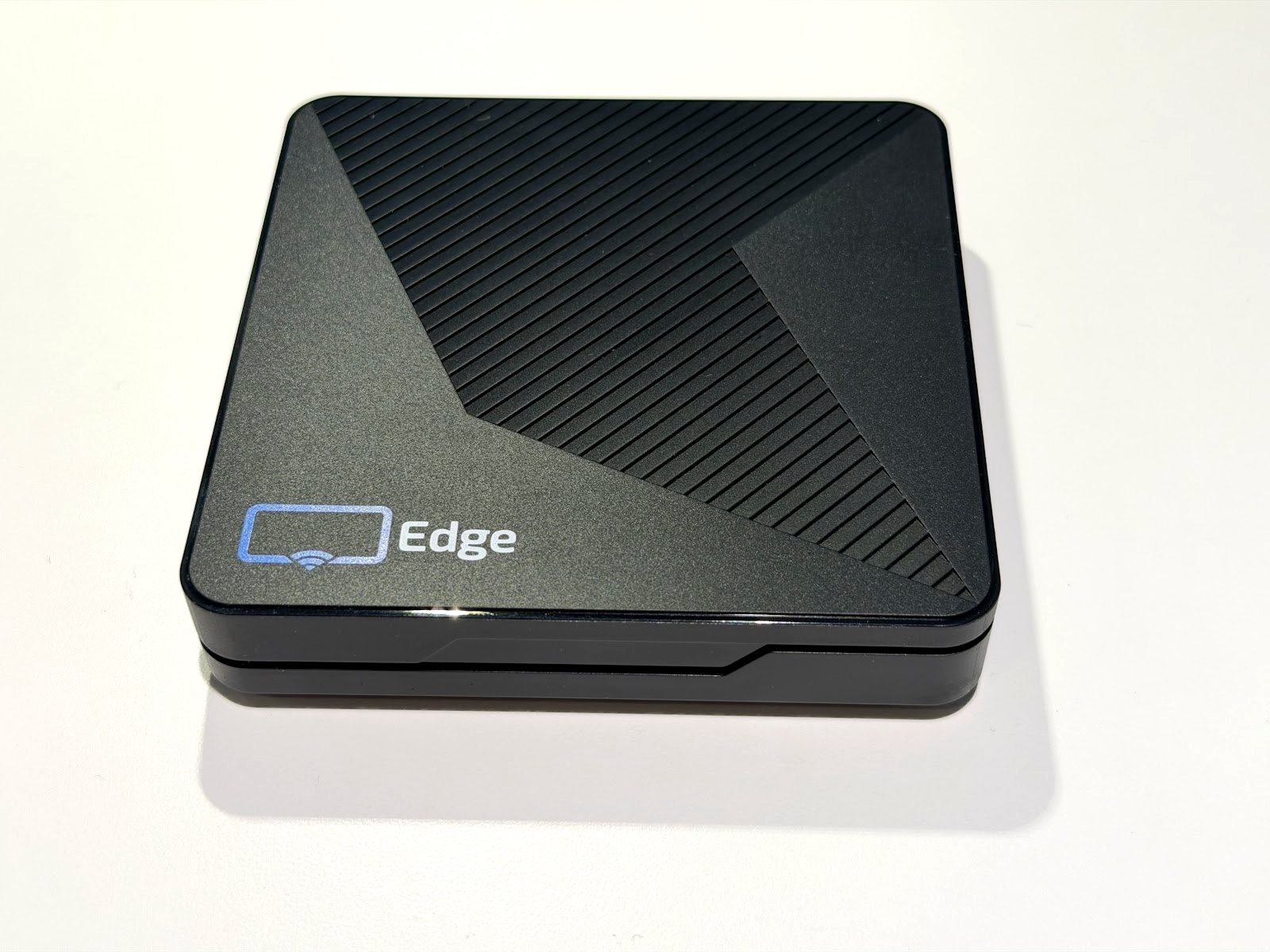
There is no Display NOW app for Roku. Use an Edge Player, Amazon Fire TV or Google TV device instead. Each one plugs into the same HDMI port.
Windows kiosk app
We don't offer a Windows app. If a screen has to run from a computer, open the web player in a browser, or switch to an Edge Player.
Raspberry Pi
Raspberry Pi boards are not supported. See our Raspberry Pi alternative for a setup that needs no tinkering.
Choosing a TV, mounting and network
Any TV or display with an HDMI port works with the Edge Player, Fire TV and Google TV devices. A few choices up front save trouble later.
Choosing a TV
- Size it for viewing distance. Menu boards and lobby screens are read from a few steps away, so bigger is usually better.
- For screens that run all day, a commercial display is built for long hours. A consumer TV is fine for lighter schedules.
- Landscape or portrait both work. Layouts support either orientation.
- Turn off the TV's sleep, eco and auto-off settings so the screen stays on.
Mounting and network
- Plan power and HDMI behind the screen so the player sits out of sight.
- A stable connection matters more than raw speed. Check the Wi-Fi signal where the screen will hang, or use a wired connection where you can.
- Set up screen-health notifications in Display NOW so you get an email or text if a screen goes offline.

Running a video wall
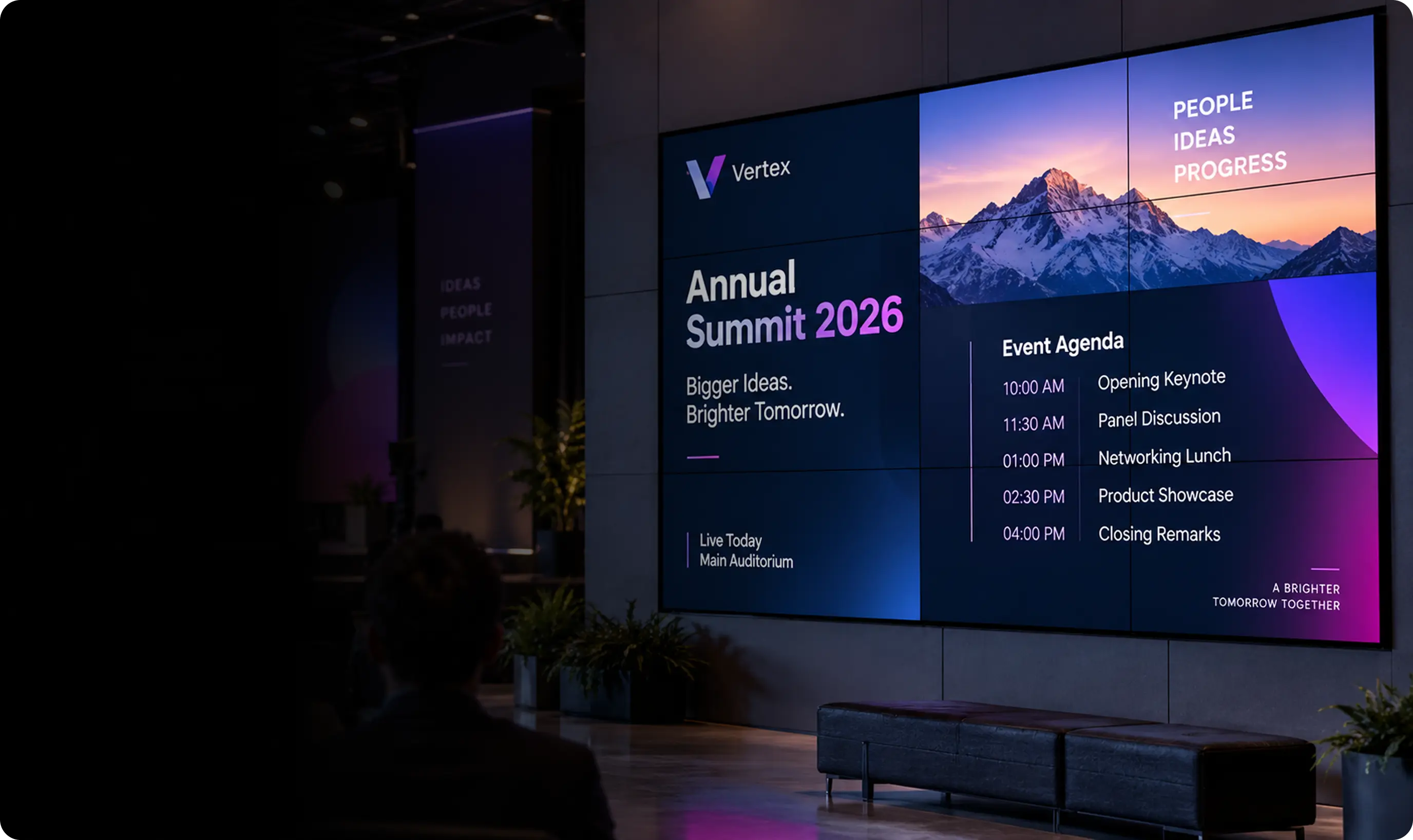
For a video wall, we recommend dedicated video wall hardware with the Edge Player plugged into it. The wall hardware splits one picture across the panels, and the Edge Player plays your content into it like a single screen.
Design your content for the full shape of the wall, then manage it in Display NOW like any other screen. Planning a wall? Talk to us before you buy and we'll help you pick a setup.
Players and hardware FAQ
Which devices does Display NOW support?
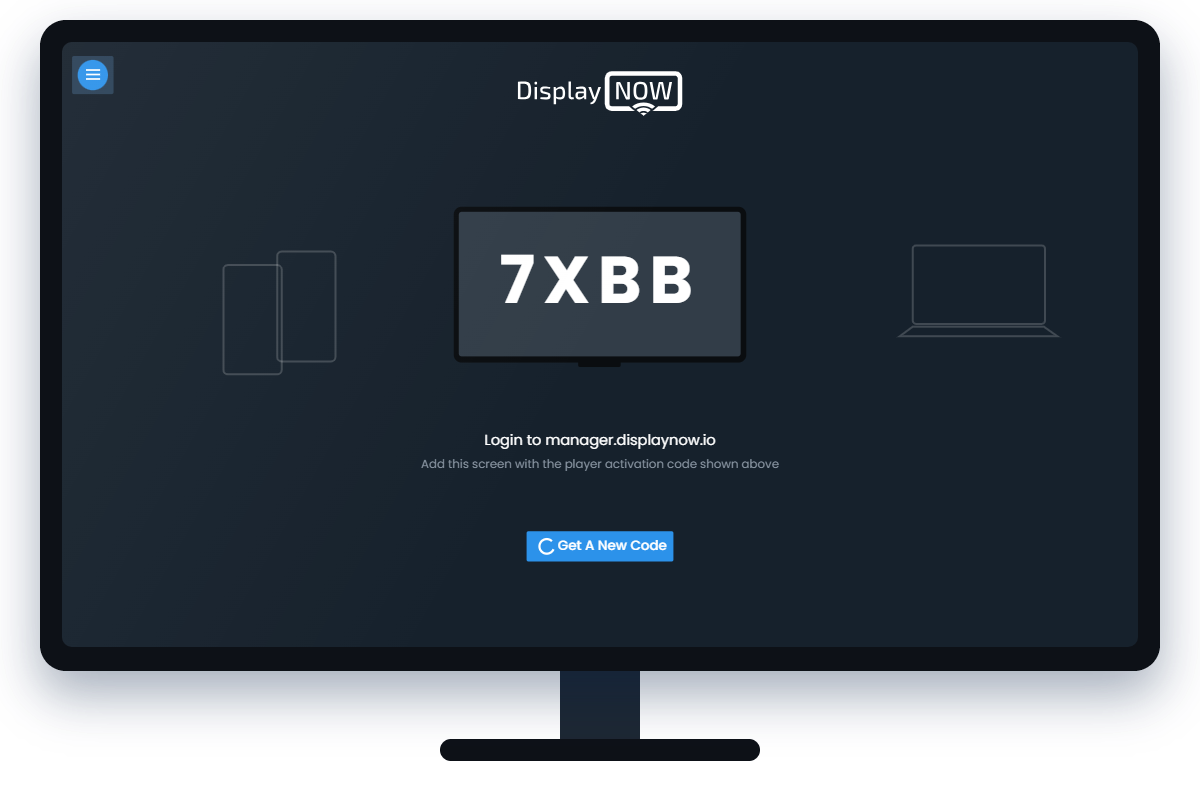
Display NOW runs on the Display NOW Edge Player, Amazon Fire TV and Google TV. For other smart TVs and browsers, use the web player at player.displaynow.io.
Which player do you recommend for a business?
The Edge Player. It is included with the Business Edge plan, and our team gives remote device support for it, so you are not on your own if a screen needs attention.
Can I use a smart TV I already own?
Yes. If the TV runs Google TV or Fire TV, install the free Display NOW app. If it doesn't, open the web player in the TV's browser, or plug an Edge Player, Fire TV or Google TV device into its HDMI port.
Does Display NOW work with Roku?
No. Roku is not supported. Use an Edge Player, Amazon Fire TV or Google TV device instead. They all connect to the same HDMI port.
Is there a Windows app or a Raspberry Pi player?
No. We don't offer a Windows kiosk app, and Raspberry Pi is not supported. A computer can run the web player in a browser, and our Raspberry Pi alternative page explains a simpler setup.
What should I look for in a TV for digital signage?
Pick a size that suits the viewing distance, choose a commercial display if it will run all day, and turn off sleep and auto-off settings. Any display with an HDMI port works with our players.
How do I set up a video wall?
Use dedicated video wall hardware and plug the Edge Player into it. The wall hardware splits one picture across the panels, and you manage the content in Display NOW like a single screen. Contact us before you buy and we'll help you plan it.
Can I try Display NOW before buying hardware?
Yes. The Free plan includes 1 screen forever, and the 14-day free trial includes every feature with no credit card. You can start with the web player on a screen you already have.
