Blog
Church Lobby Screens: What to Show Before and After ServiceNovember 5, 2026

Announcements, dashboards and visitor screens, managed from one place
Display NOW gives your team one place to manage every office screen. It runs on Amazon Fire TV, Google TV or the Display NOW Edge Player, with SSO on every plan and real people on support.

Based on 49 reviews

in minutes
via Google Workspace
& Azure AD
Edge Player and remote support
included


Display NOW founder and CEO Chris Dukich understood that firsthand.

“I created Display NOW because I had a basic need for signage to communicate announcements to residents in a condo building. I didn’t want to pay the ridiculous prices that other providers charge. I tried to go the ‘free’ route, but I ended up coming home to blank screens and putting in hours each month just keeping them alive.
Business owners and managers face rising costs every year, and ‘free’ looks attractive when you’re trying to keep things lean. But many ‘free’ plans are really trials, with limited screens, watermarks and missing features designed to push you to upgrade. Free often costs more than a reasonable price once you add up the downtime, the support tickets and the hours spent keeping it running.
We built Display NOW with the goal of being the number one best value on the market. We have a free plan for people who genuinely need a basic solution, with real features, not a trial. And for everyone else, we built the Edge Player so you never have to worry about hardware again.”

Founder & CEO, Display NOW


Most offices still rely on email blasts, printed flyers and all-hands slides. Here’s what that costs.

say signage improves staff engagement
With 43% reporting a significant uplift. Source: ScreenCloud / Google Chrome OS, State of Digital Signage 2023–2024 (n=2,400)

message recall rate
Nearly half of employees and visitors who passed a digital sign were able to recall the specific message it displayed. Source: Arbitron Digital Video Display Study

of workers
say information on digital screens enhances their productivity at work. Source: ScreenCloud / Google Chrome OS, State of Digital Signage 2023–2024
Most companies are still running internal communications through email chains, shared drives, and printed notices. Here's where that approach consistently breaks down.
Critical updates compete with hundreds of inbox messages every single day. Policy changes, safety reminders, and company news get buried and missed. Digital signage for corporate offices puts key information where employees already are, not where they might eventually look.
When each office manages its own communications, the same update can reach one floor and skip another entirely. That inconsistency erodes trust. A centralized corporate digital signage system puts everyone on the same page, regardless of where they sit.
Town halls, recognition moments, and culture-building announcements don't land the same way for distributed teams. Digital signage for corporate communications gives those moments a visible, consistent home across every location.
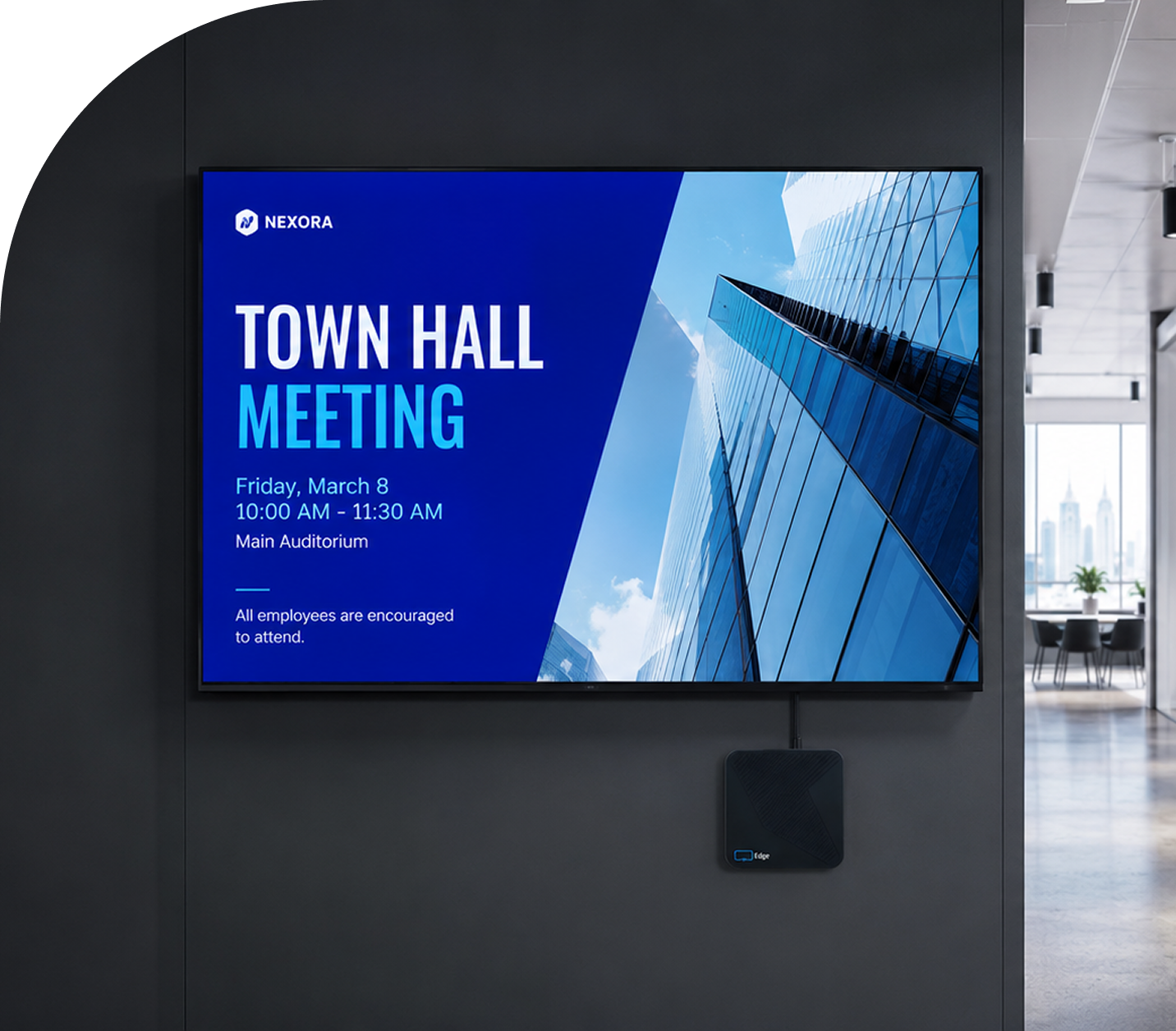
Most signage platforms hand IT a fleet of devices and walk away. When something breaks, someone has to go fix it in person. With Business Edge, the Edge Player is included and our support team can connect to it remotely to fix problems. Manager shows which screens are online, and alerts tell you by email or SMS when one goes offline.


Display NOW is corporate digital signage software that gives your communications team full control over every display, whether you're managing two locations or twenty.

Broadcast company announcements instantly. Publish a message once and send it to every office screen, or push it out as a Broadcast.
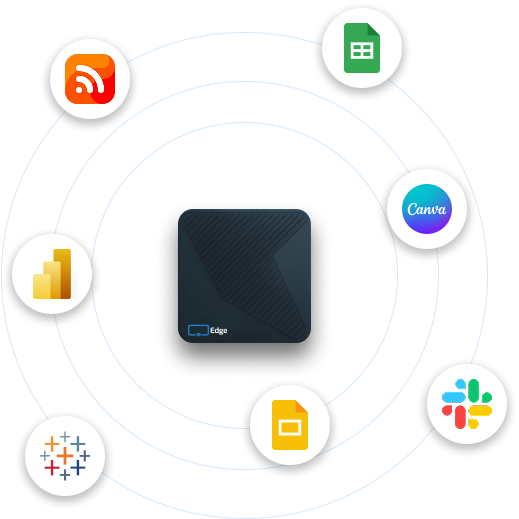
Display live KPI dashboards from the tools you already use. Connect Power BI, Google Sheets, Google Slides and PowerPoint, or show any web-based dashboard with the Web Page app.
Manage screens across multiple offices and time zones from one central corporate digital signage dashboard.
Keep break rooms and common areas fresh with Your Daily Loop. Ready-to-play content that refreshes every day. Your team doesn't have to touch it.
Some features, including remote device support and Power BI dashboards, depend on your plan. See Plans for what’s included at each tier.


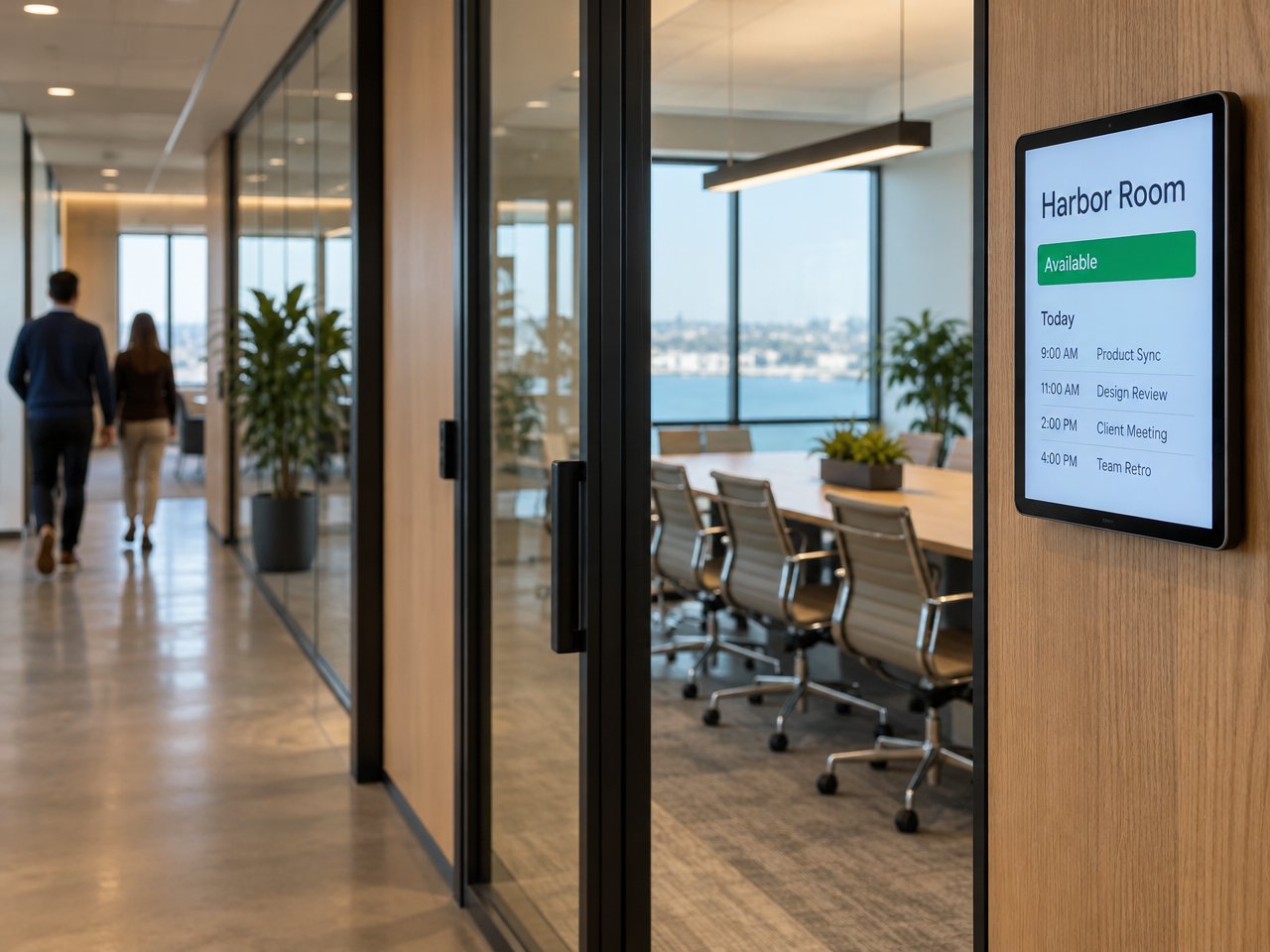


Your Daily Loop: done-for-you content, refreshed every day
Break room and lobby screens are usually the hardest to keep fresh. IT isn't sourcing trivia questions and HR isn't writing daily content. Nobody owns it, so the screens end up showing the same slide from six months ago.
Your Daily Loop fills that gap with ready-to-play content that refreshes automatically every day. Your team sets it once and doesn't touch it again.
Available as an add-on. See pricing for details.
Ready-made templates for announcements, events, recognition and more. Swap in your logo, update colors and copy, and publish to every office screen. No designer needed.

Flash Sales and Offers

Product Launches

Seasonal Campaigns

Brand and Lifestyle
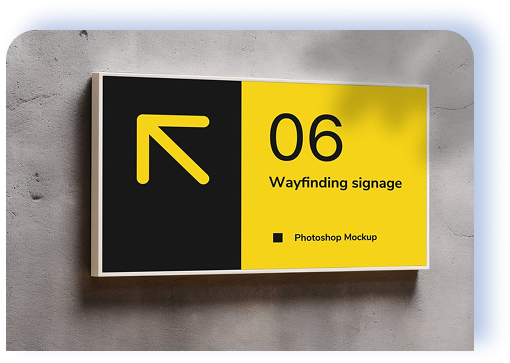
Wayfinding and Navigation

Already designing in Canva? Save designs straight to Display NOW with our Canva integration.
Save from Canva to Manager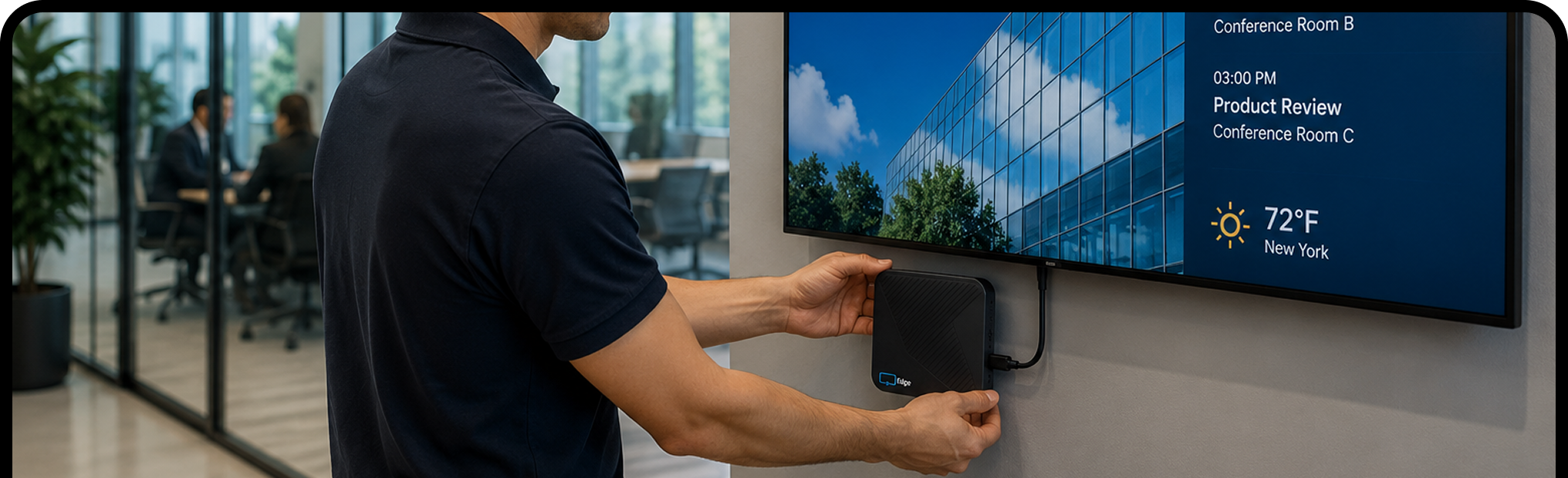
Plug an Amazon Fire TV, Google TV or Display NOW Edge Player into any display with an HDMI port. Lobbies, boardrooms, hallways: if it has a port, you're good.
Sign in with Google Workspace or Microsoft. Start from a template, describe a design to Generative AI, save from Canva or upload your own. Most people have their first screen live in about 6 minutes.
Hit publish and your content goes live on every selected screen. Need to update a message across all your offices? Change it once from your laptop or phone and every screen catches up.


Your employees shouldn't have to search for important updates. Display NOW puts the right information on your office screens at the right time, so your team stays informed without the friction. Start free on one screen, or try every feature free for 14 days with no credit card.

Digital signage software is a cloud-based system that lets you control what appears on your screens, like images, videos, live data and more, from one online dashboard. With Display NOW, you log in, build or upload your content, and push it to any connected screen in seconds. There's no server to manage and no IT project to keep it running.
Most people have their first screen running in about 6 minutes, based on our onboarding data. Plug your player into any TV, connect it to Wi-Fi, pair it with your Display NOW account and your content starts playing. There's no installation project and no waiting on an IT team.
Any TV or monitor with an HDMI port works as a digital signage display. Display NOW runs on Amazon Fire TV and Google TV, and a web player covers other smart TVs and browsers. If you'd prefer purpose-built hardware, the Display NOW Edge Player is included with Business Edge, with remote device support from our team.
Yes. Any TV with an HDMI port becomes a managed digital signage display once you connect an Amazon Fire TV, Google TV or Display NOW Edge Player to it. Smart TVs can also use the web player. You don't need specialist commercial monitors to get started.
Yes. You get 14 days of full access with no credit card. Try it on real screens with real content. Need more time? Just ask and we’ll extend your trial. There's also a free plan for one screen, forever, and a 30-day money-back guarantee on paid plans.
Yes. Display NOW lets you manage every screen from a single dashboard, wherever it is. Organize screens into folders by location, share them with groups, and push different content to different screens at the same time, without switching between accounts or tools.
Yes. Click a slot in the Schedules calendar to create an event by time of day, day of week or date range. Events run in each screen's local time zone, and changes sync to screens within 60 seconds.
Images, videos, PDFs, playlists, Google Slides, PowerPoint, Canva designs, Power BI dashboards, Google Sheets, web pages, YouTube, Vimeo, live weather and news headlines. Design from scratch with the built-in AI designer or start from a template.
No. Display NOW includes a Designer with Generative AI (describe what you want and AI designs it) and ready-made templates. If you already use Canva, the Canva integration saves designs straight to Display NOW in a few clicks. Your team can have professional-looking content ready in minutes, with no design experience or agency needed.
Your screens keep playing. Display NOW stores images, videos and PDFs on the device, so if the internet drops, that content keeps running. Web pages, dashboards and news headlines need a connection and refresh as soon as it’s back. Screens sync any changes automatically when they reconnect.