
Blog
Creating the Perfect Atmosphere with Bar Digital SignageAugust 30, 2024

Service times, events and announcements on every lobby screen
Display NOW puts your welcome screens, event calendars and ministry announcements on every indoor screen, managed from one place. Business Edge includes a commercial Edge Player for each screen, so Sunday morning never starts with a blank TV.

Based on 38 reviews

in minutes
via Google Workspace
& Azure AD
+ cloud software
in one plan

%201.svg)

Display NOW founder and CEO Chris Dukich understood that firsthand.

“I created Display NOW because I had a basic need for signage to communicate announcements to residents in a condo building. I didn’t want to pay the ridiculous prices that other providers charge. I tried to go the ‘free’ route, but I ended up coming home to blank screens and putting in hours each month just keeping them alive.
Business owners and managers face rising costs every year, and ‘free’ looks attractive when you’re trying to keep things lean. But our competitors use ‘free’ plans as glorified trials. Limited screens, watermarked content, missing features, all designed to push you to upgrade. Free often costs more than paying a reasonable price when you add up the downtime, the support tickets, and the hours you spend keeping it running.
We built Display NOW with the goal of being the number one best value on the market. We have a free plan for people who genuinely need a basic solution, with real features, not a trial. And for everyone else, we built the Edge Player so you never have to worry about hardware again.”

Founder & CEO, Display NOW
.svg)
.svg)
.svg)
.svg)
.svg)
.svg)
Printed notices and screens that go dark cost more than they look. Here’s what reliable signage is worth.

say signage improves staff engagement
With 43% reporting a significant uplift. Source: ScreenCloud / Google Chrome OS, State of Digital Signage 2023–2024 (n=2,400)

message recall rate
Nearly half of employees and visitors who passed a digital sign were able to recall the specific message it displayed. Source: Arbitron Digital Video Display Study

of workers
say information on digital screens enhances their productivity at work. Source: ScreenCloud / Google Chrome OS, State of Digital Signage 2023–2024
Bulletins get left in the pew, slides get missed, and the lobby TV shows whatever someone plugged in last month.
Printed bulletins and pulpit announcements only reach the people who catch them. Screens in the lobby and hallways reach everyone walking by.
If only one volunteer knows how the TV works, nothing changes when they’re away. Display NOW lets you give the right people access, from any phone or laptop.
Consumer streaming sticks freeze and update at the worst times. The Edge Player is built for screens that run all day and recovers itself if it hangs.
Last month’s event still on screen tells visitors nothing. Schedule content in advance so it starts and stops on its own.
.svg)
.svg)
.svg)
%201%20(traced).svg)
.svg)
.svg)
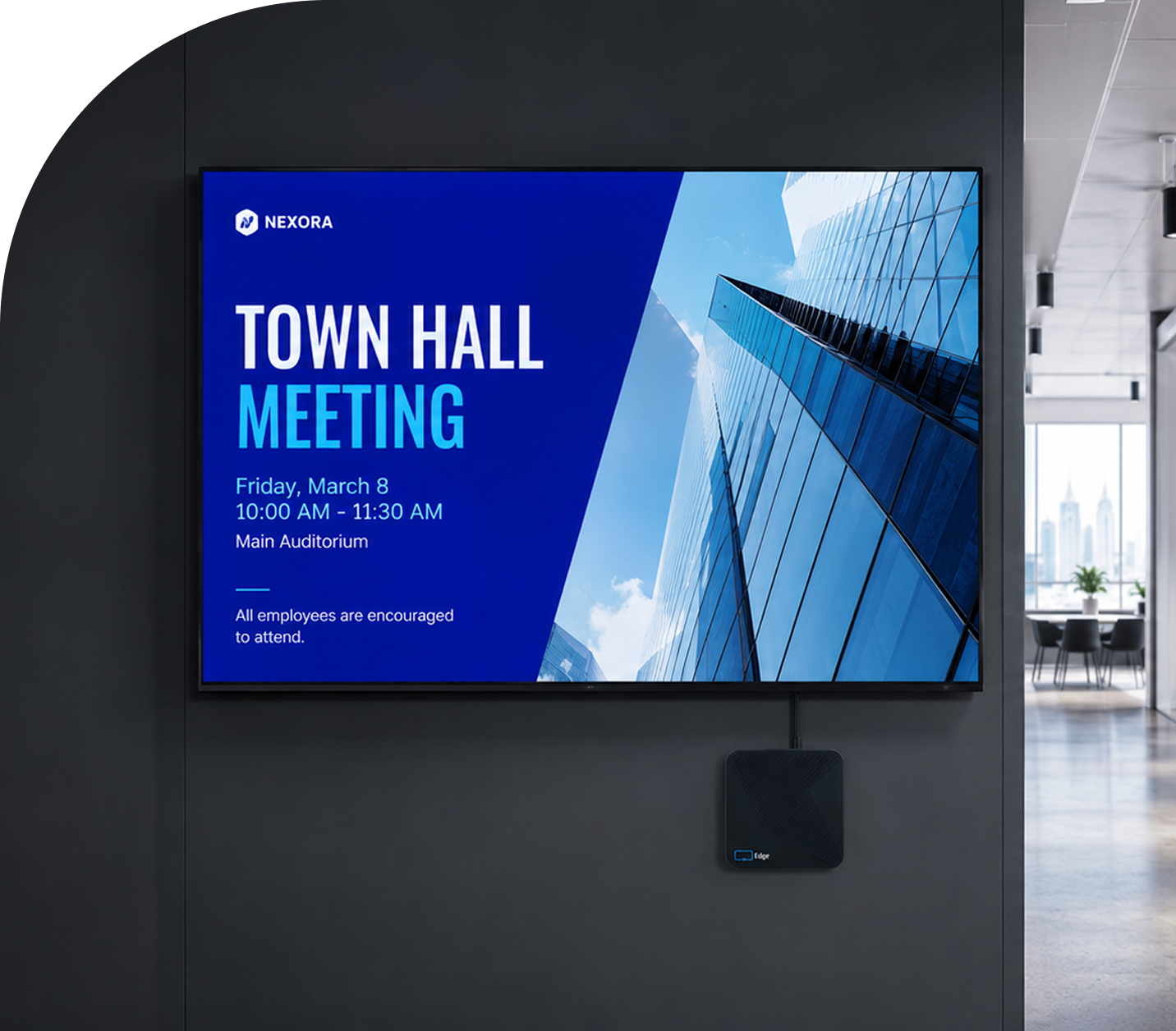
Display NOW gives your office staff and volunteers one simple dashboard for every lobby, hallway and fellowship-hall screen.

Welcome visitors every week. Service times, directions, kids’ check-in and next steps for first-time guests.
Schedule events in advance. Set it on Monday, and Sunday’s content starts and stops on its own.
Design in Canva, publish in one click. Volunteers who already use Canva can save designs straight to Display NOW.
Keep screens fresh with Your Daily Loop. Done-for-you content fills the gaps between announcements.
Some features, including remote device access and BI dashboard integrations, are available on specific plans. See pricing for what’s included at each tier.
.png)
.png)
.png)
.png)
.png)
.png)
.png)
.png)
Your Daily Loop: done-for-you content, refreshed every day
Common-area screens are the hardest to keep fresh. Nobody owns them, so nothing gets updated, and the screen ends up showing the same slide from six months ago.
Your Daily Loop fills that gap. Professionally curated programming updates automatically every day. Your team sets it once and doesn't touch it again.
Available as an add-on. See pricing for details.
Hundreds of professionally designed templates. Swap in your logo, update colors and copy, and publish to every screen. No designer needed.

Announcements

Events and Calendars

Seasonal Campaigns

Welcome Screens
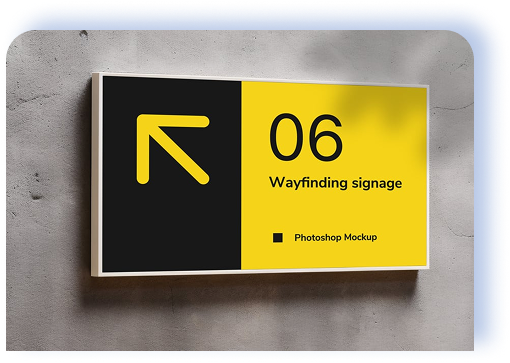
Wayfinding and Navigation

Already designing in Canva? You can easily save media right to Display NOW with our integration.
Save from Canva to Manager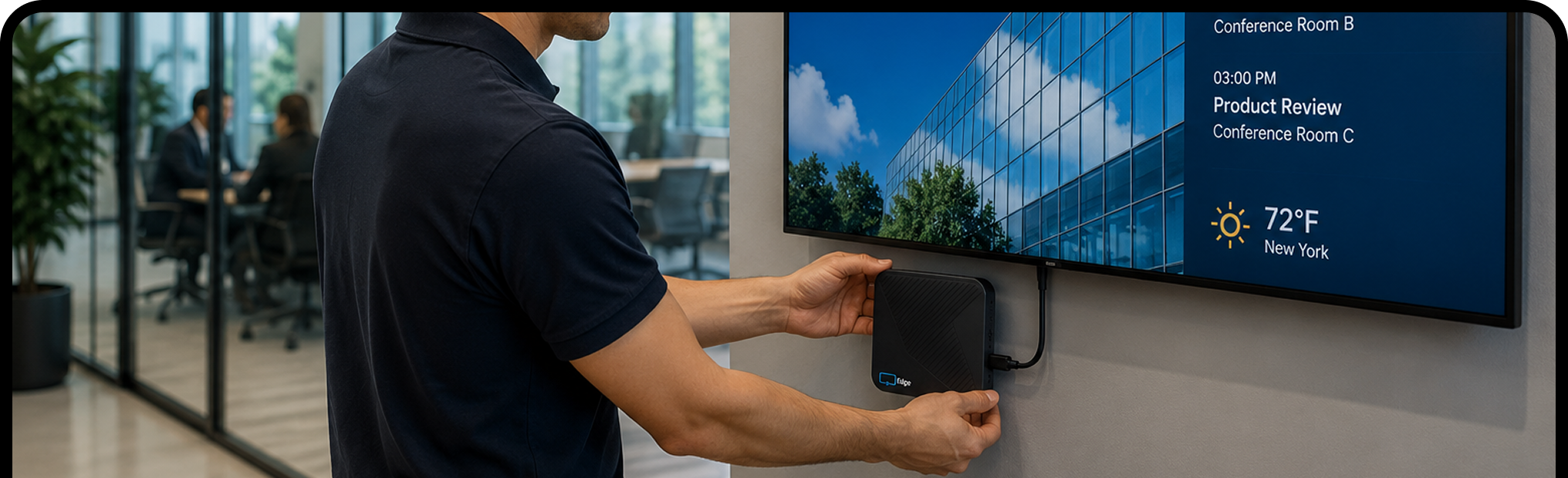
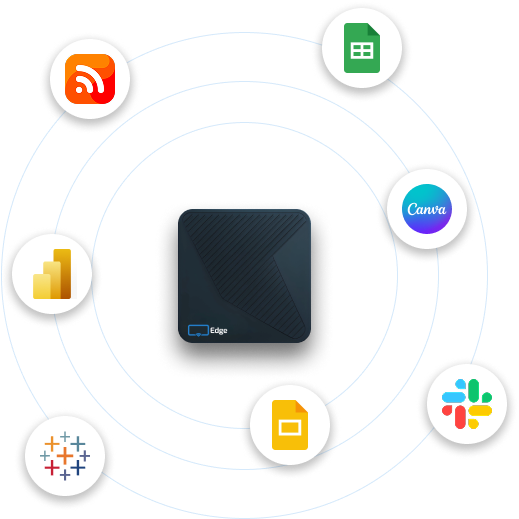
Plug the Edge Player into any TV or display with an HDMI port, connect it to Wi‑Fi, and enter the pairing code.
Sign in with Google or Microsoft. Start from a template, save from Canva, or upload your own. Most teams have their first screen live in under ten minutes.
Publish once and every selected screen updates in seconds. Change it from your laptop or phone, wherever you are.
.png)
Try Display NOW free for 14 days on the TVs you already have, then move to Edge Players for screens that never miss a Sunday. Display NOW is built for indoor screens; we don’t sell outdoor LED marquee signs.
.svg)
It’s using TVs in your lobby, hallways and fellowship spaces to show service times, events and announcements, managed from one online dashboard instead of by hand.
Yes. Give volunteers access and they can update content from any phone or laptop. You control who can change what.
Any TV or monitor with an HDMI port. The Edge Player, included with Business Edge, is a commercial signage player built to run 24/7. Already have a supported device? Display NOW’s other plans run on it with the free Display NOW app.
No. Display NOW runs indoor screens: any TV or display with an HDMI port. For outdoor LED marquee signs, you’ll want a sign company.
Yes. Get 14 days of full access to the entire digital signage platform, no credit card required. Test it with real screens and real content so you know exactly what you're getting before committing. Need more time? We almost always extend the trial on request. Just reach out.
Yes. Display NOW lets you manage unlimited digital signage screens from a single dashboard, regardless of their location. Group your displays by site, department, or content type, and push different content to different screens simultaneously, all from one cloud-based digital signage CMS without switching between accounts or tools.
Yes. Schedule content by time of day, day of week, or a custom date range, so the right message shows at the right time without anyone touching a screen.
Display NOW supports images, videos, slideshows, live weather, news feeds, social media walls, Google Slides, Canva designs, YouTube, Vimeo, web pages, and more. If you can view it on a screen, there's a good chance our digital signage software can display it.
No. Display NOW includes an AI-powered design tool and a library of ready-made digital signage templates built for specific industries. If you already use Canva, we have a full Canva integration that makes saving designs to Display NOW as easy as a few clicks. Your team can have professional-looking content ready in minutes — no design experience, no agency, no extra budget required.
Your screens keep playing. DisplayNow caches images, videos, and PDFs locally on the device, so if your internet connection drops, that content types continue running without interruption. Live web content, social feeds, and other internet-dependent sources will pause until connectivity is restored, as they require an active connection by nature. Once you're back online, your digital signage displays sync automatically with any new content or schedule changes with no manual action needed.


