
Employee Recognition Ideas for Digital Signage: 20 Ways to Say Thanks on Screen
People want to know their work gets noticed. A screen makes it public, specific and frequent, which is where recognition actually lands.

Employee recognition on screens works when it's specific (what the person did and why it mattered), frequent (weekly or daily, not yearly) and uses real photos with permission. Mix manager shout-outs with peer nominations and customer compliments, and put the screen in the break room, by the time clock or at the entrance.
Most recognition falls flat because it's vague and rare. On a screen it works when it's specific ("Maria handled 40 orders during the rush without a single error"), weekly instead of yearly, and paired with real photos.
Mix in peer and customer shout-outs so it doesn't feel like a performance. A screen in the break room or lobby turns a quick thank-you into something the whole team sees.
20 ways to say thanks on screen
Day to day
- Shout-out of the day. One name, one specific thing they did, one photo.
- Customer compliments. Post a line from a review or a thank-you email, with the employee's name.
- Peer kudos. Let coworkers nominate each other with a QR code on the screen, then post the best ones each week.
- Shift wins. "Night shift shipped every order on time" recognizes a whole team at once.
- Safety stars. Thank the person who spotted a hazard or ran a clean safety check.
Milestones
- Work anniversaries. Name, photo and years, with one thing they're known for.
- New hire welcomes. A photo and a fun fact, so people can put a name to a face.
- Promotions and new roles. Say what the new role is and why they earned it.
- Certifications and training completed. Licenses, forklift certification, food safety, a finished course.
- Birthdays, only with permission. Some people don't want the spotlight, so make it opt-in.
Recognition programs
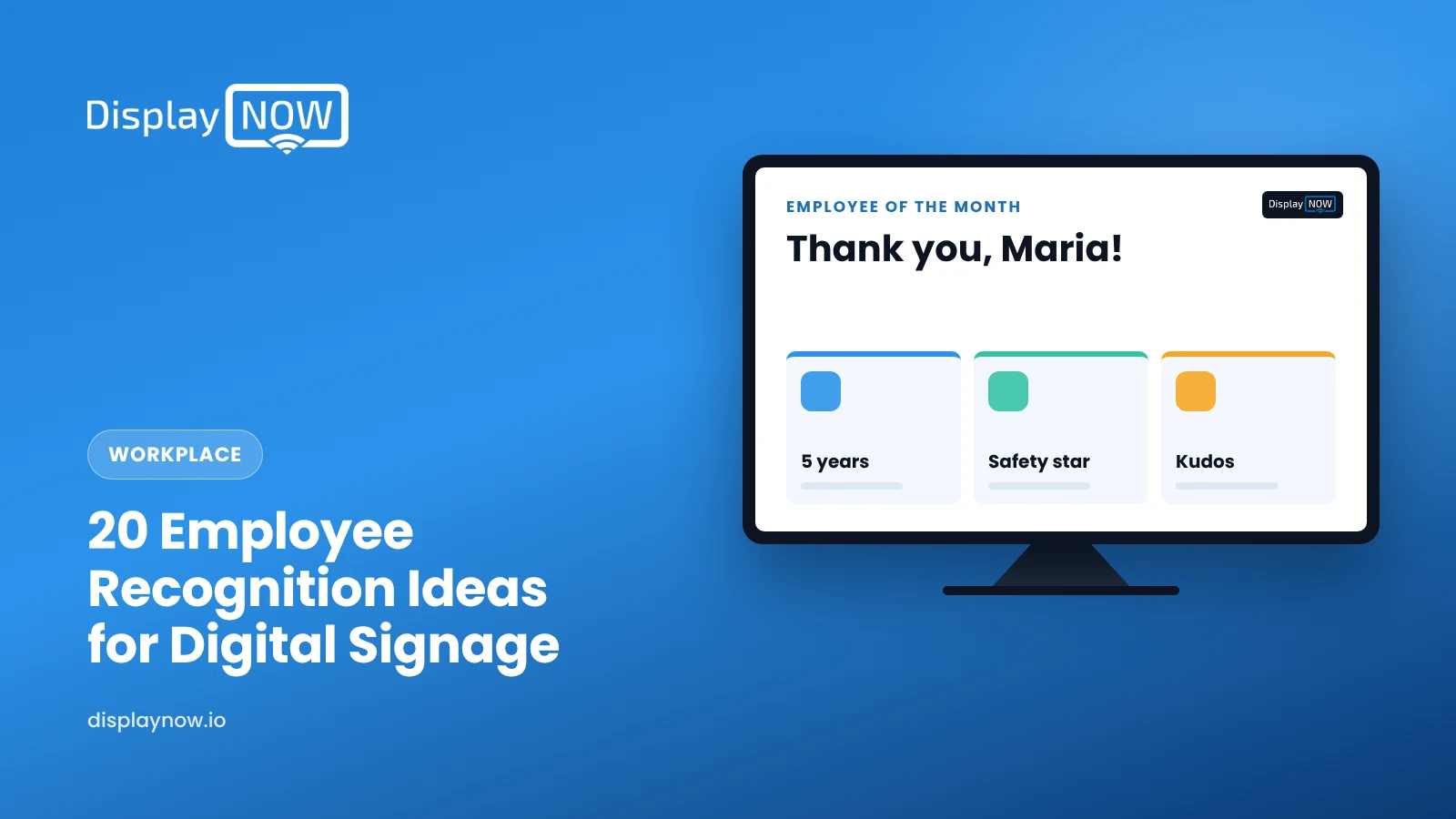
- Employee of the month, with a short story about why, not just a name.
- Team goal progress. A simple bar toward a target, and a thank-you when it's hit.
- Values in action. Pick one company value and show a real person living it.
- Manager's pick of the week, rotated across departments so every team gets a turn.
- Long-service wall. Celebrate the people who have been around for 5, 10 or 20 years.
Culture
- Photos from team events: the potluck, the volunteer day, the holiday party.
- "Meet the team" profiles with a favorite food, a hobby and what they do here.
- Behind the scenes. Show the work customers never see, like the 5 a.m. bake or the warehouse before opening.
- Community and volunteer wins your people took part in.
- A note from the owner or manager, in their own words, once a month.
How do you keep it from feeling forced?
- Be specific. "Great job" means nothing. Say what the person did and why it mattered.
- Keep it frequent. Refresh at least weekly. In busy workplaces with several shifts, daily shout-outs work well.
- Spread it around. Keep a simple list of who has been recognized so the same names don't dominate.
- Use real photos, with permission. Stock images make recognition feel like an ad.
- Offer an opt-out. Not everyone wants their face on a screen.
- Take slides down on time. Give every shout-out an end date when you schedule it, so last month's thank-you doesn't linger.
Customers can see it too
A customer-facing screen can feature staff as well: "Meet Jordan, our head baker." Customers get a face they trust, and the team gets some pride. Stick to what each person is comfortable sharing publicly.
Making recognition slides in a few minutes
In Display NOW you describe the slide ("employee of the month for Maria, warm colors, photo on the left, customer quote on the right"), add the photo and publish. Keep a template so every recognition slide looks consistent.
Employee recognition screen FAQ
How often should you change employee recognition content?
At least once a week. In busy workplaces with several shifts, daily shout-outs work well.
Where should a recognition screen go?
Break rooms, next to the time clock, or at the entrance. If customers can see the screen, pick recognition content your employees are happy to share publicly.
How do you make employee recognition on a screen feel genuine?
Be specific about what the person did and why it mattered, use real photos with permission, rotate who gets recognized and take slides down on time.
Should birthdays go on a recognition screen?
Only for employees who opt in. Some people don't want the spotlight, so offer an easy opt-out.
Looking for more to put on the screen? Try our 30 break room TV ideas, or start a free trial and post your first shout-out this week.
- 20 ideas across daily shout-outs, milestones, programs and culture.
- Refresh at least weekly; daily in busy multi-shift workplaces.
- Track who's been recognized so the same names don't dominate.
- Offer an opt-out, especially for birthdays.
Start free in minutes: one screen free forever, or try every feature free for 14 days. No credit card.
Start freeCompare plansGet Started


