Blog
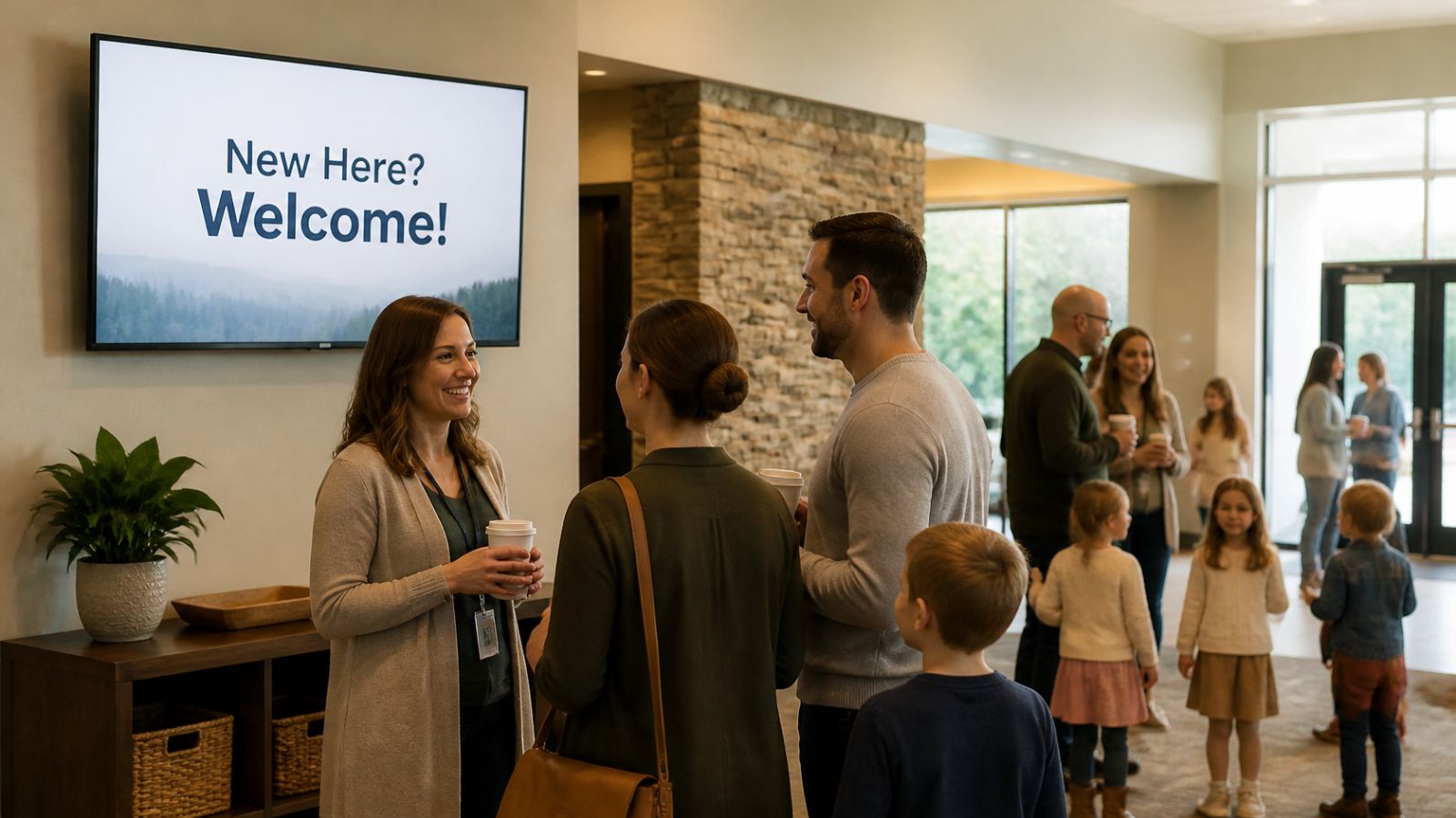
Church Lobby Screens: What to Show Before and After ServiceNovember 5, 2026

A signage player built for screens that stay on all day.
A Fire Stick was built for a couch, not a business. The Display NOW Edge Player is a digital signage player engineered for 24/7 commercial use.
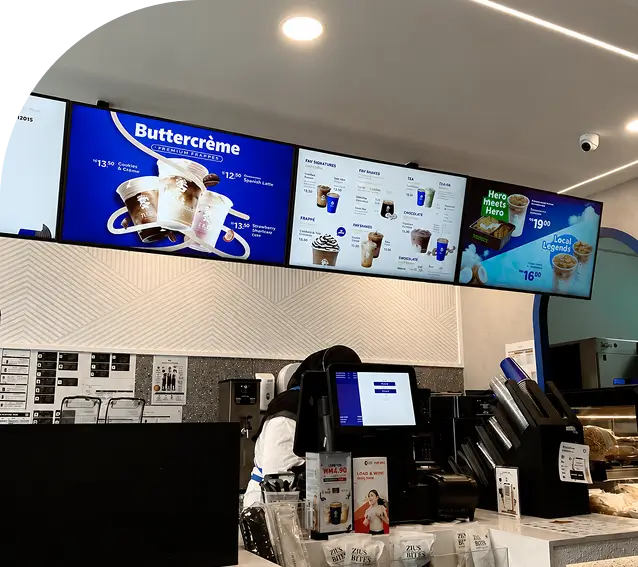
A menu board that freezes at lunch rush or a blank screen behind the front desk is the last thing a business needs. Signage only works when the screen stays on.
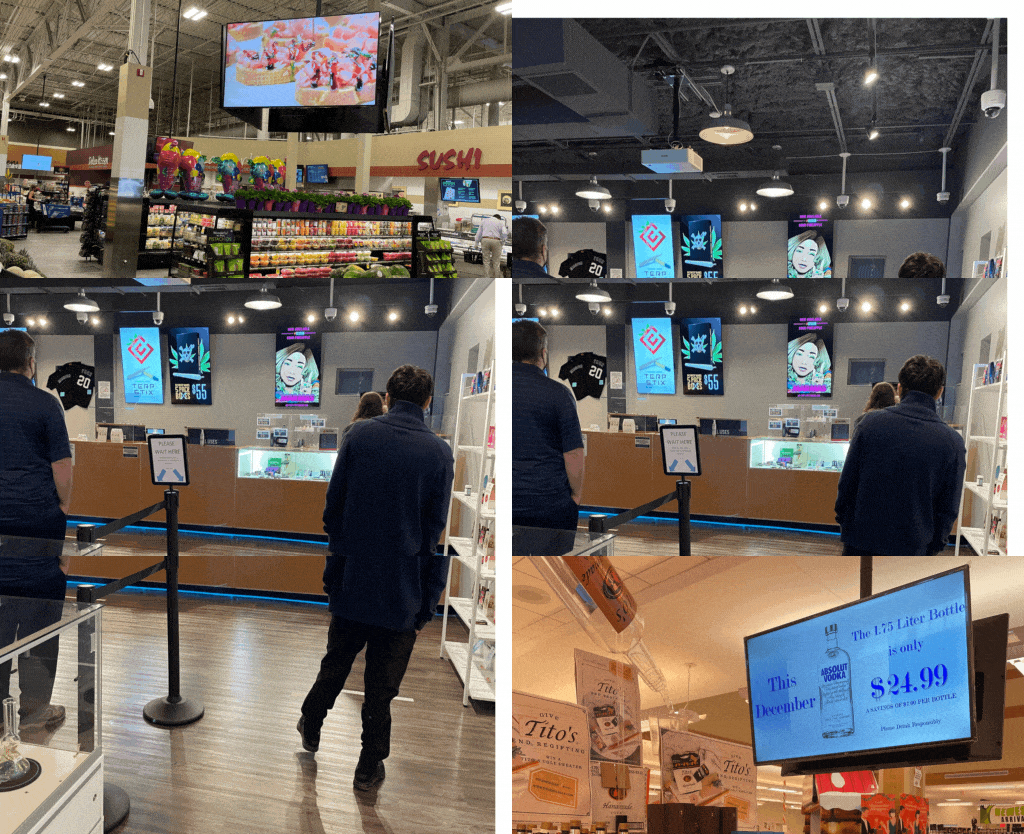



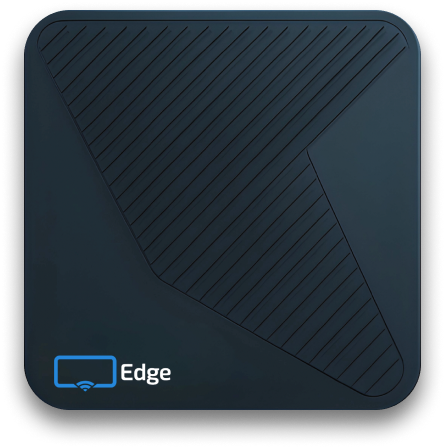
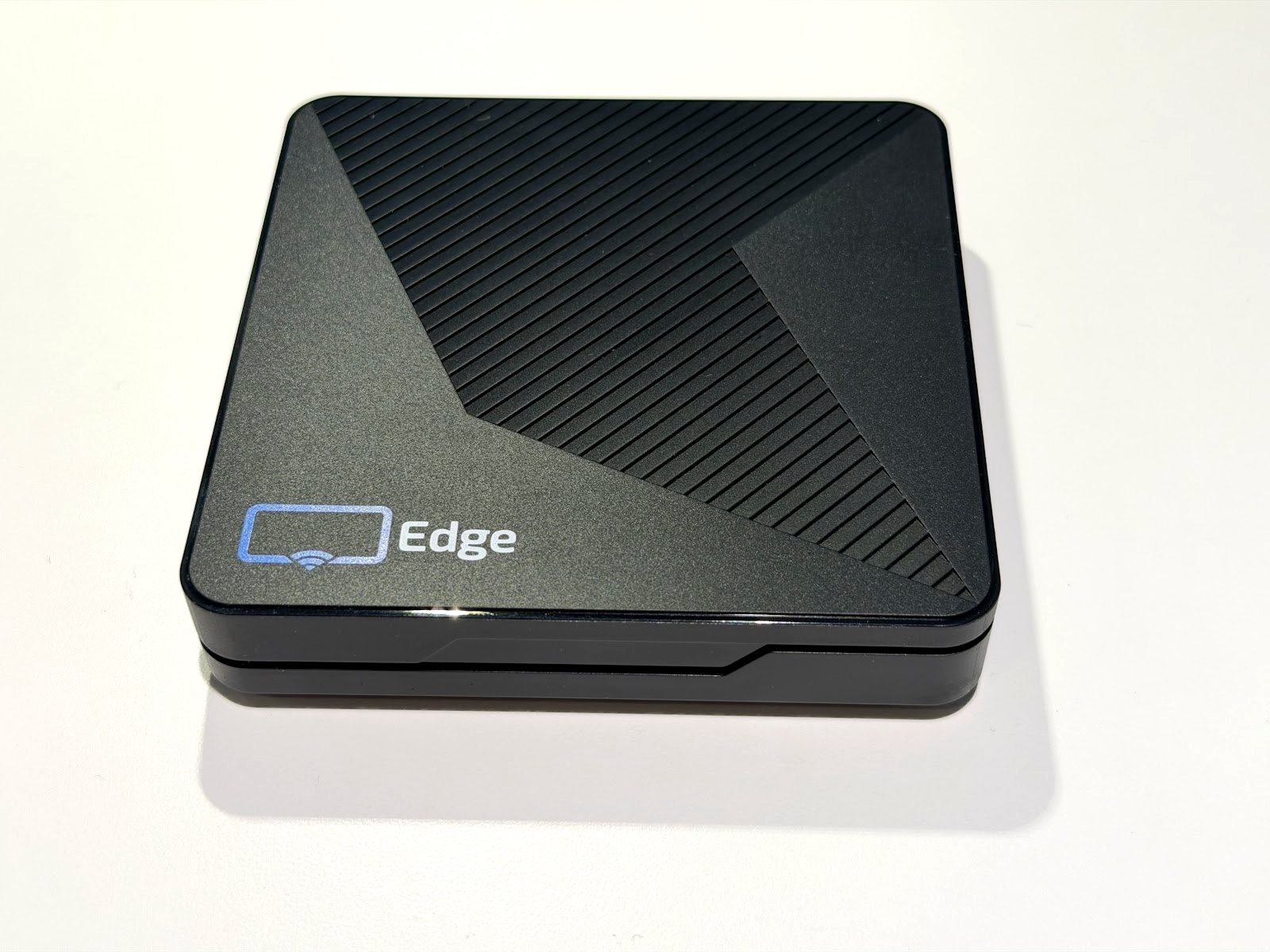
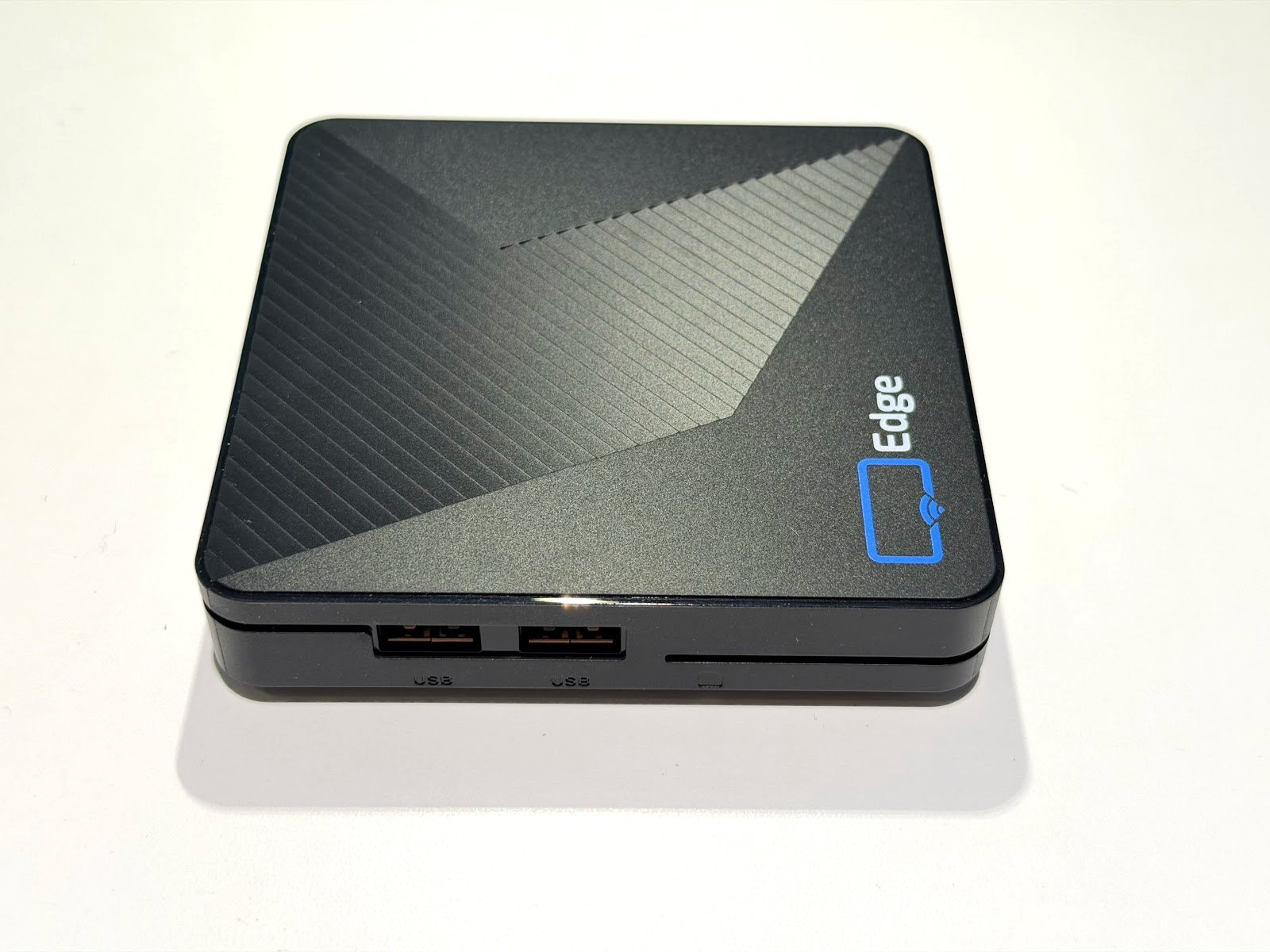
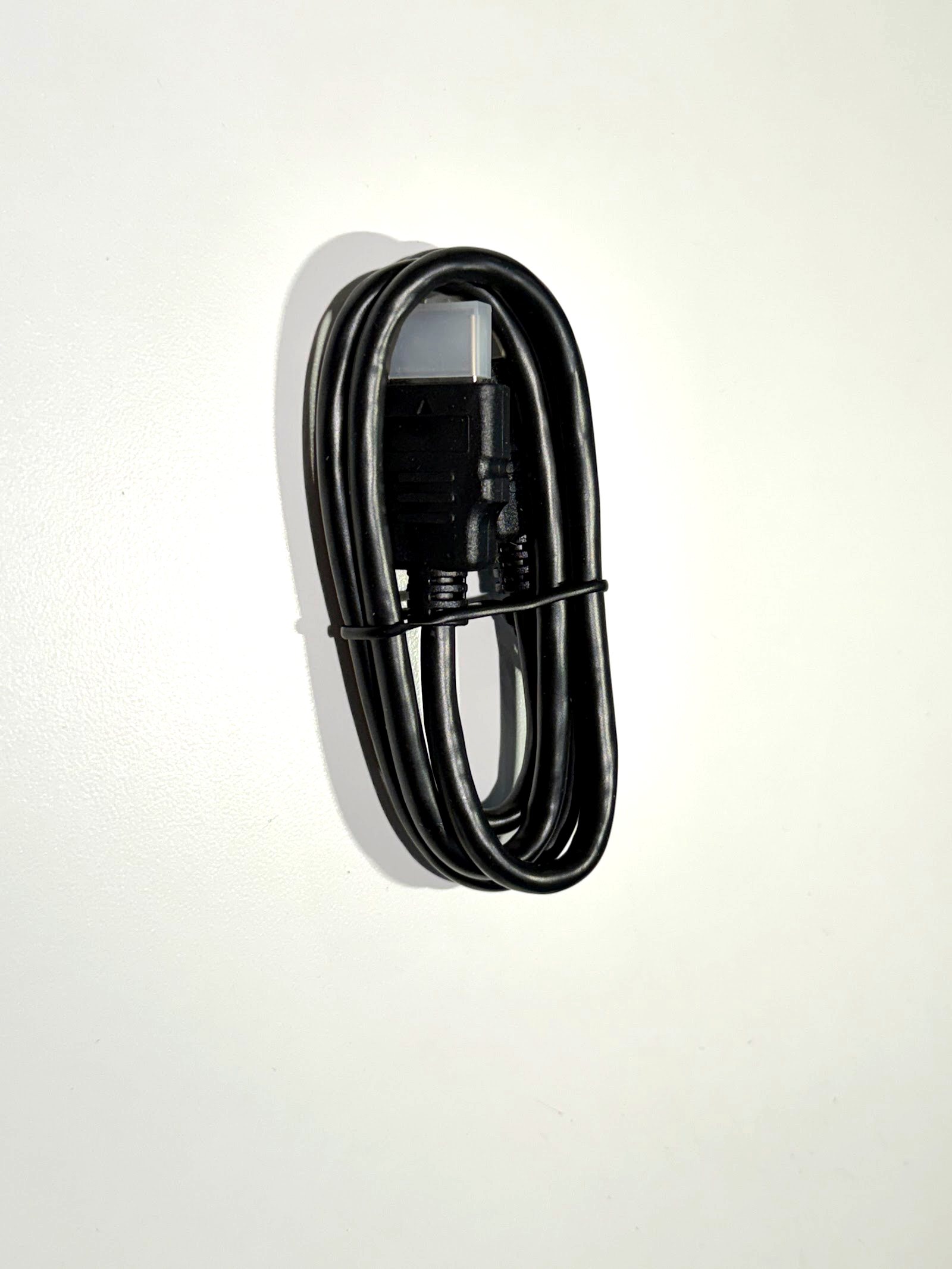
Real photos of the Edge Player, not renders. Plug it into HDMI and power, pair it, done.


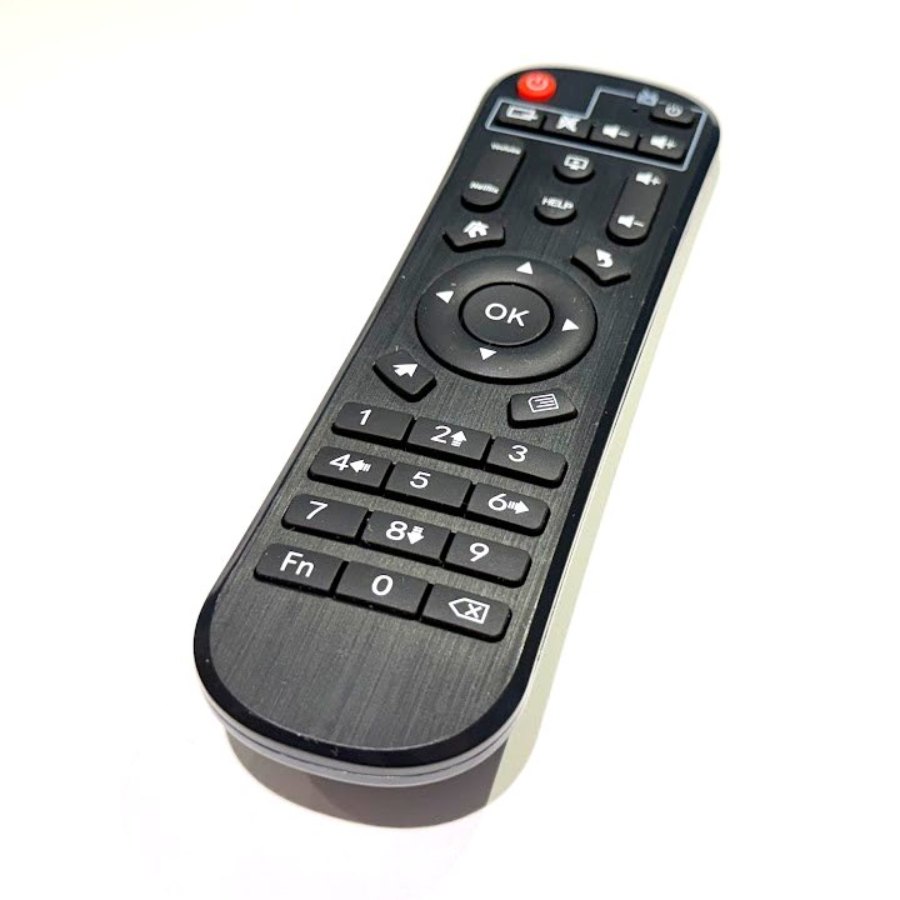
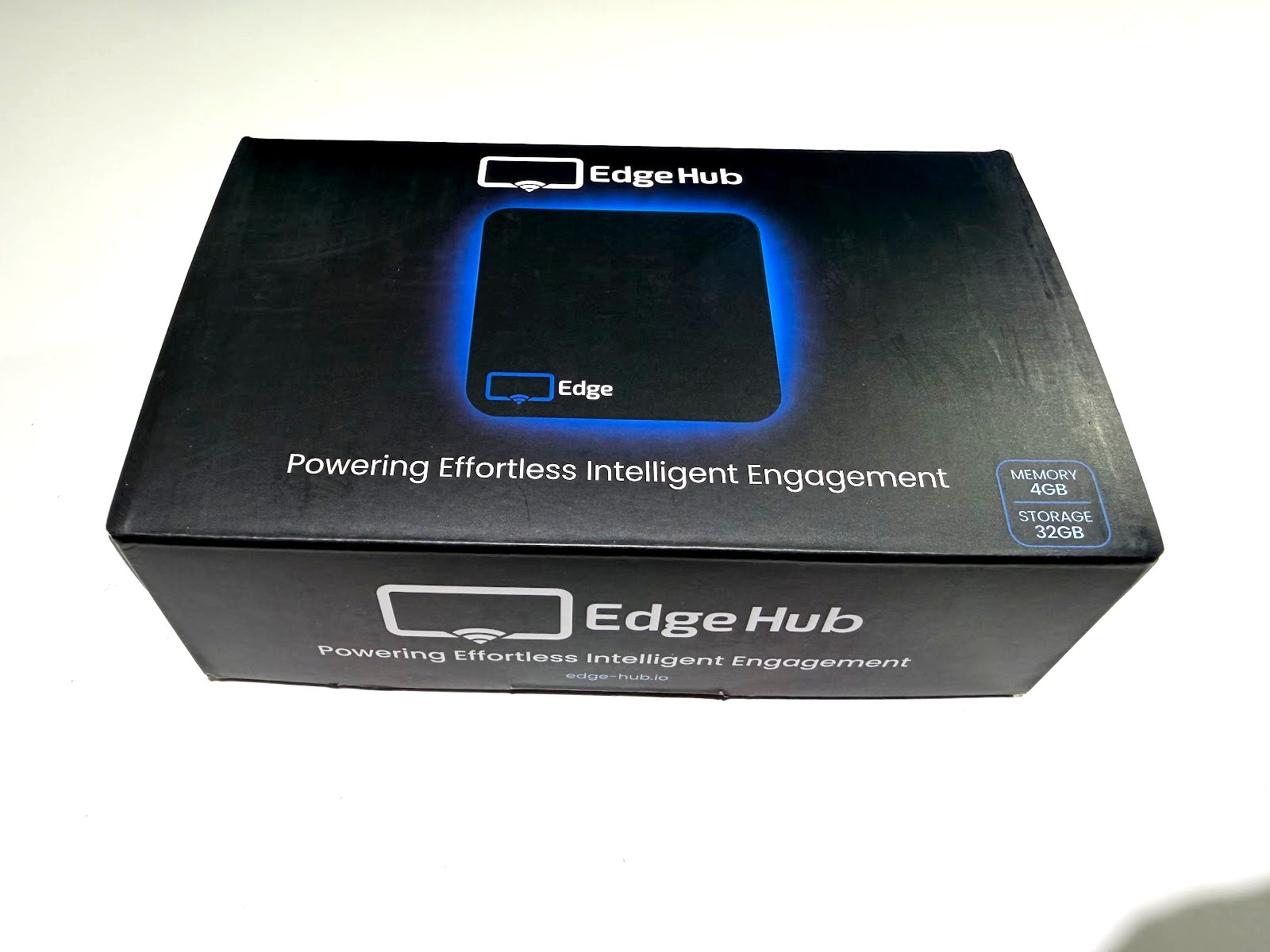
More than a Fire Stick has.
Fire Sticks ship with 1.5GB of RAM, enough for streaming at home but not for 4K signage running around the clock. The Display NOW Edge Player has 4GB, double. The extra headroom keeps your content playing cleanly when it gets demanding.


Yes. The Display NOW Edge Player caches your uploaded media on its 32GB of built-in flash memory. If the internet drops, screens keep playing from the local cache instead of going black.

The Edge Player's built-in watchdog monitors the device around the clock. If the Display NOW app closes or stops responding, the watchdog resets it and the player recovers on its own. On Business Edge, our support team can also reach the player remotely. When a consumer stick freezes, someone usually has to restart it on site.

Updates are pushed remotely and applied during off-hours, so content keeps playing. Consumer streaming sticks usually wait until they are idle to update, and signage is never idle, so updates get skipped or later need someone with a remote at every screen. The Edge Player was built to avoid that.
Runs cooler and faster than older consumer chips, so you avoid slowdowns during peak hours.
4K playback at 60fps with no dropped frames. Every frame renders the way it was intended.
Enough headroom for multi-zone layouts, live data feeds, and rich media without lag.
Less bloatware = better performance.
Your 4K video loops stay cached and ready. A Fire Stick has roughly 4GB usable, most of which is taken by apps and system components you'll never use.
Upscales standard-resolution content for sharper playback on 4K screens.
Smooth, cinematic-quality playback on any size commercial screen.
Two independent paths to your network. If one fails, the other keeps your screen live.
Your screen turns on in the morning and off at night, on a schedule, with no extra hardware.
If the device ever hangs, it restarts itself. No truck roll, no ladder.
Open, stable platform. Full compatibility with Display NOW Manager.
Built for continuous operation, unlike consumer streaming sticks designed for home viewing.
Display NOW runs on a SOC 2 Type II platform, hosted in the U.S. with multi-region failover, and owns its technology stack.
Compliance where it matters
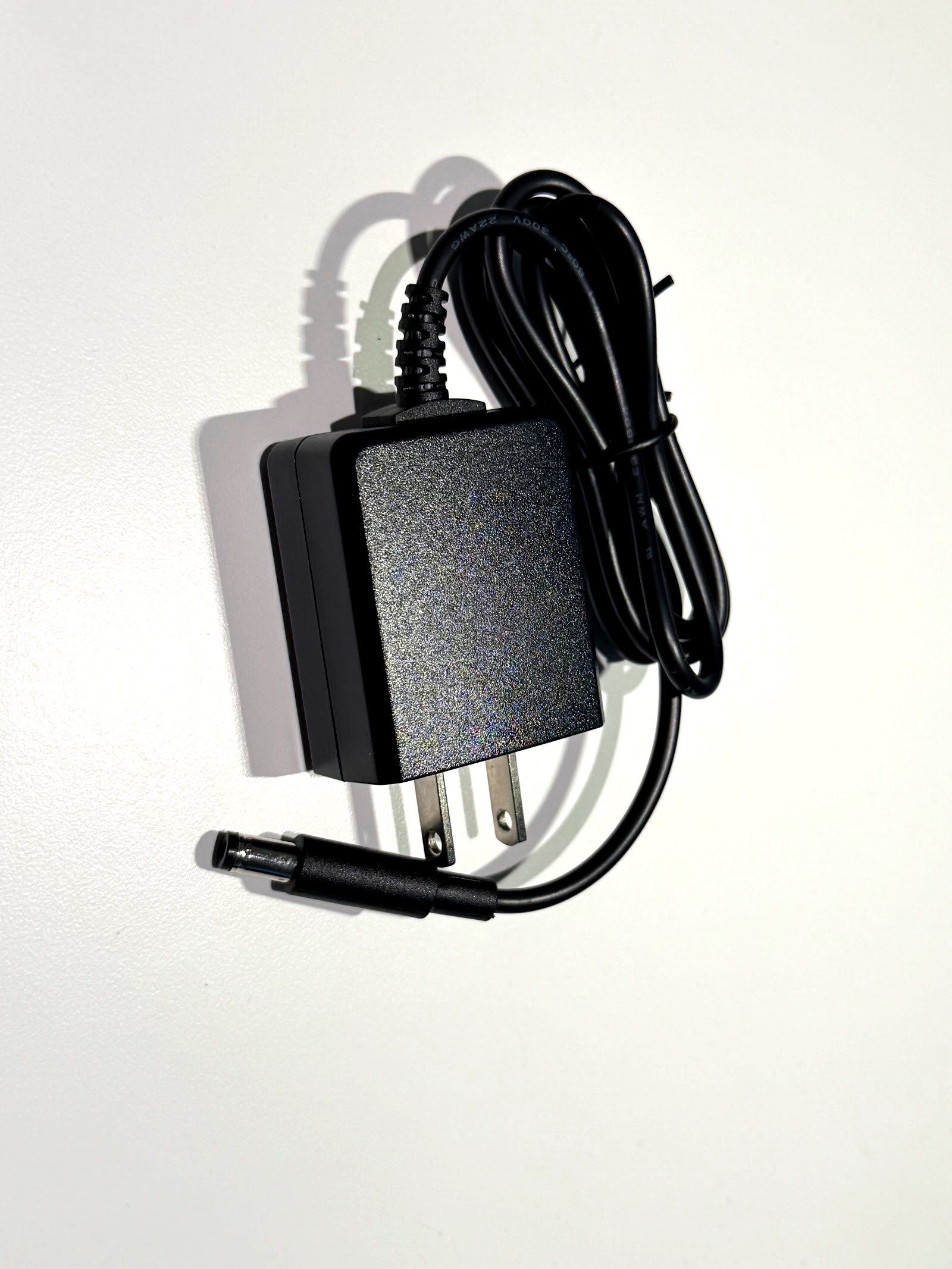
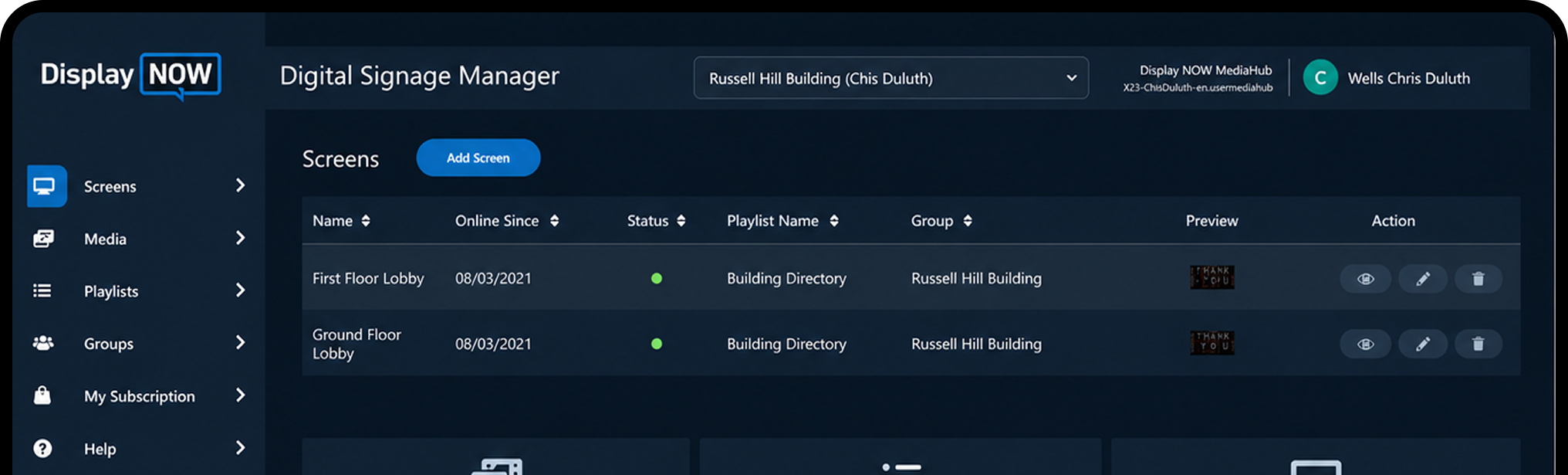
Connect the Display NOW Edge Player to your screen with HDMI and power it on.
The Edge Setup Wizard launches automatically on first boot. No Amazon setup wizard, home screen, screensavers, or consumer streaming apps to uninstall, no hunting for the right remote.
Pair the device with Display NOW Manager and push your first playlist.


Included with Business Edge, with remote device support from our team

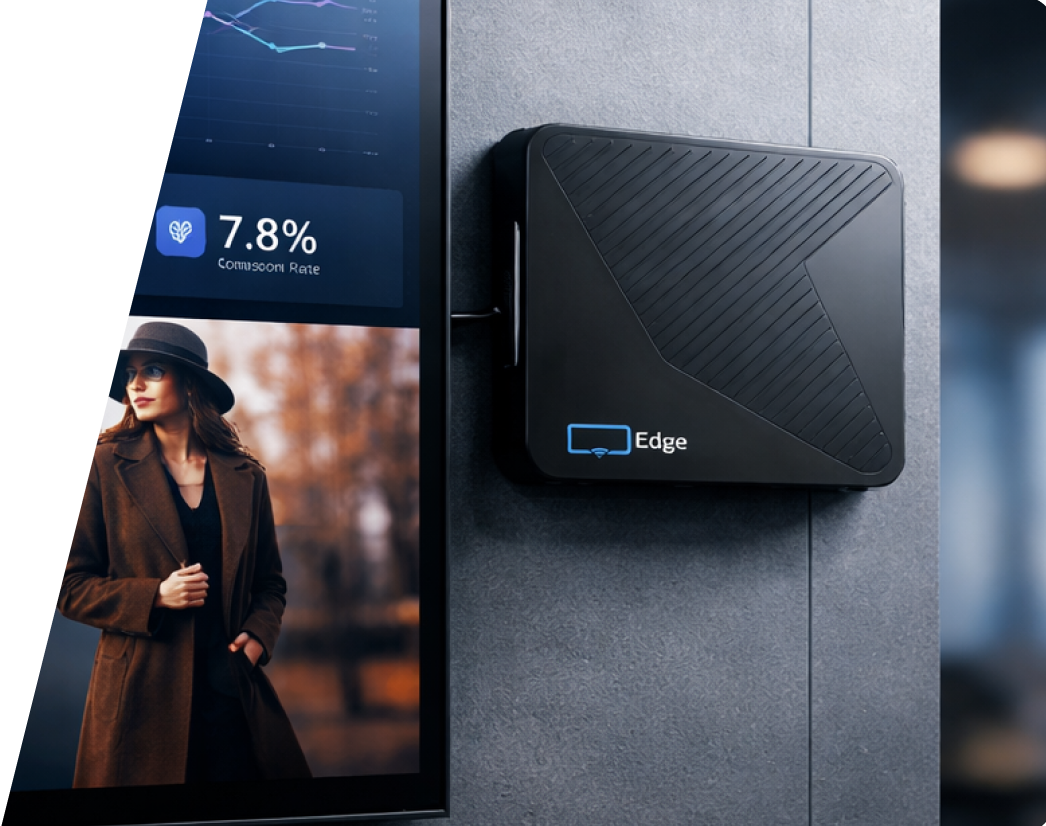
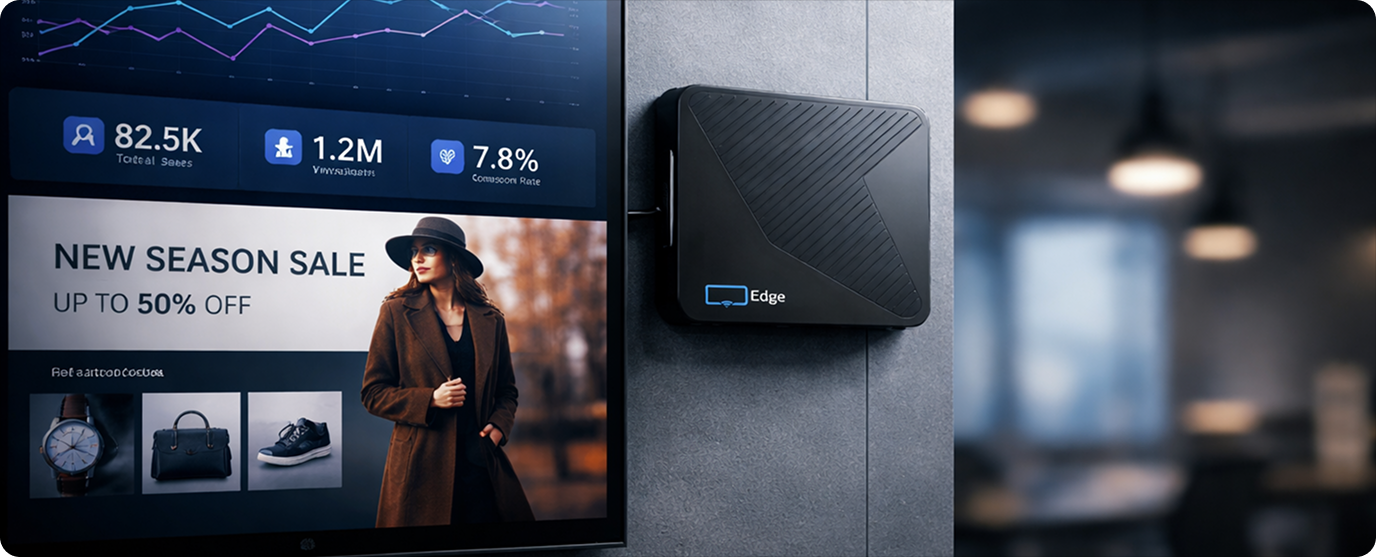


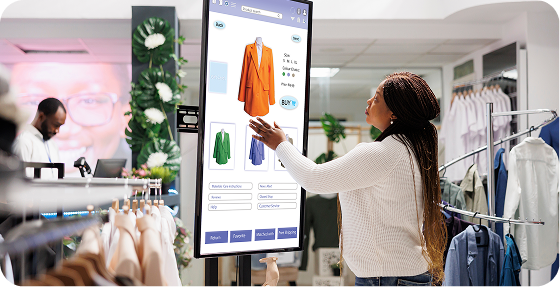
Digital signage software is a cloud-based system that lets businesses control what appears on their screens, like images, videos and live data, from one online dashboard. With Display NOW, you sign in, build or upload your content, and publish it to any connected display. There's no server to manage.
Plug the Edge Player into any TV with HDMI, connect it to Wi-Fi or Ethernet, follow the setup wizard and pair it with Display NOW Manager. Then publish your first playlist. There's no installation process and no waiting for an IT team.
Any TV or monitor with an HDMI port works as a digital signage display. Display NOW runs on Amazon Fire TV, Google TV, a web player for other smart TVs and browsers, and the Display NOW Edge Player, which is included with Business Edge.
Yes. Any TV with an HDMI port becomes a managed digital signage display when you plug in the Edge Player. You don't need special commercial screens to get started.
Yes. Get 14 days of full access to every feature, with no credit card required. Test it with real screens and real content before you commit, and every paid plan has a 30-day money-back guarantee.
Yes. Manage every screen from one dashboard, wherever it is. Organize screens and content in folders (we recommend one folder per location), share them with local teams through Groups, and send different content to different screens.
Yes, set digital signage content to run by time of day, day of week, or a custom date range. A restaurant can automatically switch from a breakfast to a dinner menu without touching a screen. A retailer can schedule a weekend promotion to start Friday night and stop Monday morning, all set in advance inside the platform.
Images, videos and PDFs, designs from the Designer or Canva, Google Slides, PowerPoint, Google Sheets, Power BI, YouTube, web pages, weather, news and more from the Media App Store.
No. Describe what you want and our Generative AI designs it, then refine it in the Designer. You can also start from a template, or save designs straight from Canva.
On the Edge Player, cached images, videos and PDFs keep playing while the internet is down. Web pages and live feeds need a connection and refresh when it's back. Display NOW shows the screen as offline on your Dashboard, and a notification policy can alert your team by email or SMS (US and Canada) once it has been offline longer than the threshold you set.