Blog
How to Start a Digital Signage Business in 2026: A Practical PlaybookNovember 22, 2026

Business Edge includes the Edge Player and remote support from our team, at $19 per screen per month billed annually.
Offline alerts, remote restart, and a team that can connect to your player when it needs one.


Rated by our customers

Businesses trust Display NOW
Screens managed
Countries




Display NOW founder and CEO Chris Dukich understood that firsthand.

“I created Display NOW because I had a basic need for signage to communicate announcements to residents in a condo building. I didn’t want to pay the ridiculous prices that other providers charge. I tried to go the ‘free’ route, but I ended up coming home to blank screens and putting in hours each month just keeping them alive.
Business owners and managers face rising costs every year, and ‘free’ looks attractive when you’re trying to keep things lean. But our competitors use ‘free’ plans as glorified trials. Limited screens, watermarked content, missing features, all designed to push you to upgrade. Free often costs more than paying a reasonable price when you add up the downtime, the support tickets, and the hours you spend keeping it running.
We built Display NOW with the goal of being the number one best value on the market. We have a free plan for people who genuinely need a basic solution, with real features, not a trial. And for everyone else, we built the Edge Player so you never have to worry about hardware again.”

Founder & CEO, Display NOW


Yodeck is a solid product. Here's where Display NOW is different, based on Yodeck's public pricing page.
Yodeck lists SAML SSO on its Enterprise plan. Display NOW includes SSO on every plan, even Free, and a Power BI app for live dashboards.
Yodeck offers its own player on some annual plans. The Display NOW Edge Player is built for signage: 4GB RAM, 32GB storage, locked down so it only shows your content, and updated automatically for security. It comes with Business Edge, and our team can connect to it remotely to diagnose and fix problems, so a frozen screen doesn't mean a site visit.
Display NOW runs on Amazon Fire TV and Google TV with the free player app, and a web player covers other smart TVs and browsers, so you may not need new hardware.
Compare the plans you'd actually use before you sign another year. Current Display NOW prices are on our Plans page, and our team can price out a larger rollout for you.

Independently audited, not self-reported. See the details in our Trust Center at trust.displaynow.io.

Works with Google Workspace and Microsoft Azure AD on every plan, including Free. No integration project needed.

Share screens and content by group, and see who changed what, and when, in the Activity Log.

Our team can connect to Edge Players remotely to diagnose and fix problems, so your staff doesn't have to climb a ladder. You can also preview what any screen is showing from the dashboard.
Hosted in the U.S. with multi-region failover. Check live platform status any time at status.displaynow.io.
Display NOW combines the cloud dashboard, the player and support, so there’s one vendor to call.

Edge Player included with Business Edge, with remote device support from our team.
Screen health in one place: online and offline status, player vitals, remote preview and restart.
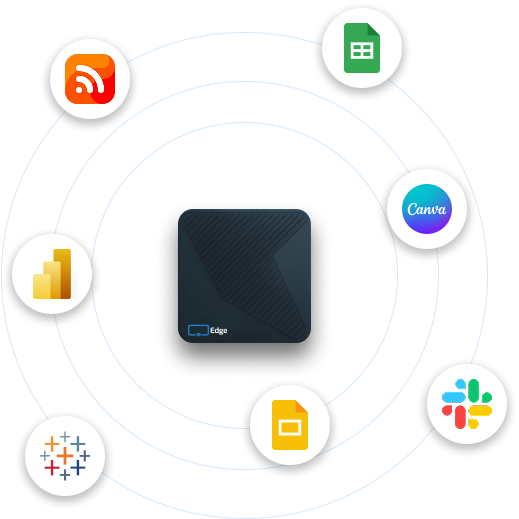
Live data on screen: Power BI, Google Sheets and Google Slides apps.
Ready-to-play content. Your Daily Loop brings trivia, brain fitness, conversation starters and inspiration to common-area screens.
Some features, including the Edge Player and remote device support, depend on your plan. See the Plans page for what each plan includes.
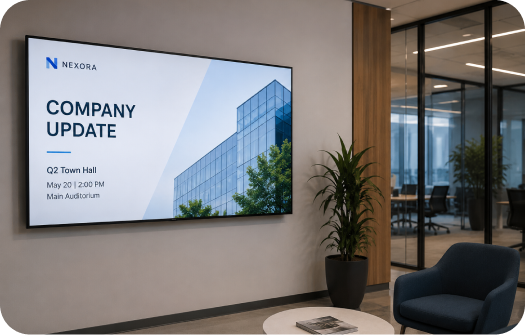
One dashboard for every store, with a folder per location.
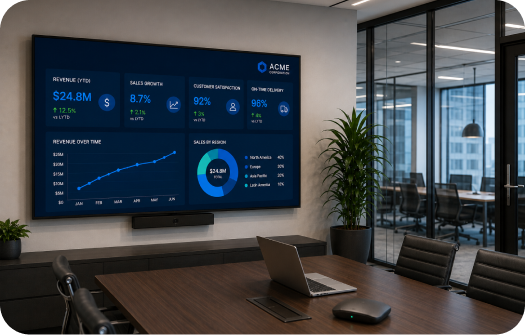
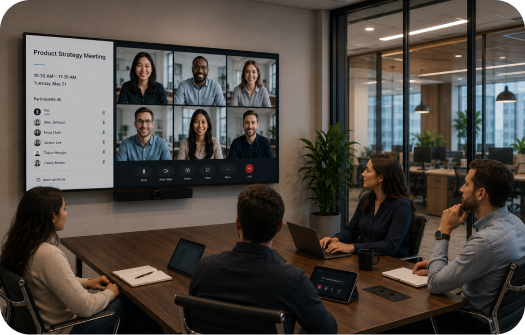

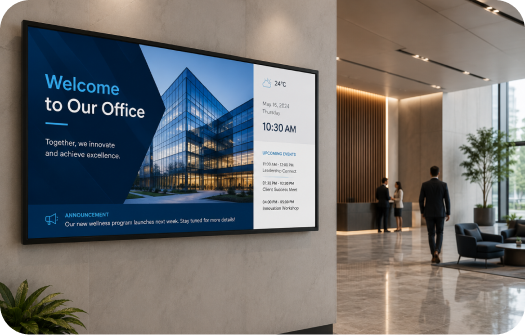
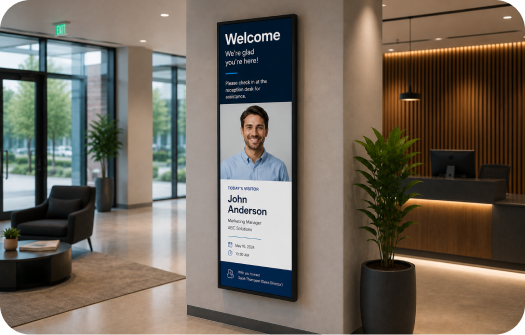
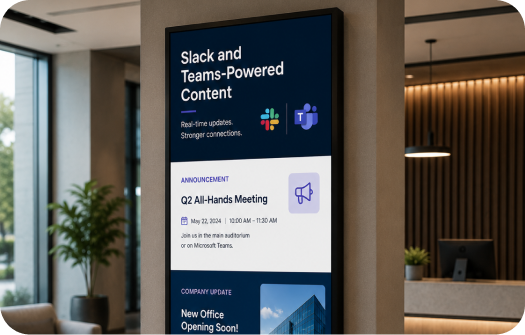
Announcements anyone on the team can update.
Your Daily Loop: done-for-you content, refreshed every day
Common-area screens are the hardest to keep fresh. Nobody owns them, so nothing gets updated, and the screen ends up showing the same slide from six months ago.
Your Daily Loop fills that gap. Professionally curated programming updates automatically every day. Your team sets it once and doesn't touch it again.
Available as an add-on. See pricing for details.
Describe what you want and Generative AI designs it, then refine it in the built-in Designer. Or use the Canva Designer app, and publish to every screen. No designer needed.

Announcements

Events and Calendars

Seasonal Campaigns

Welcome Screens
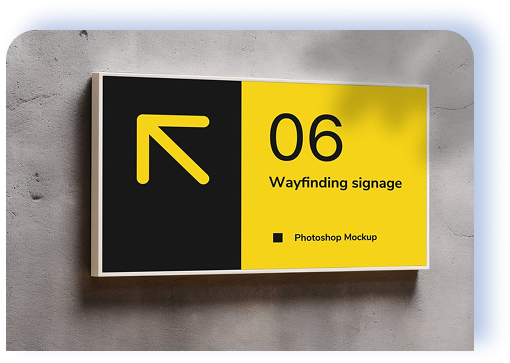
Wayfinding and Navigation

Already designing in Canva? You can easily save media right to Display NOW with our integration.
Save from Canva to Manager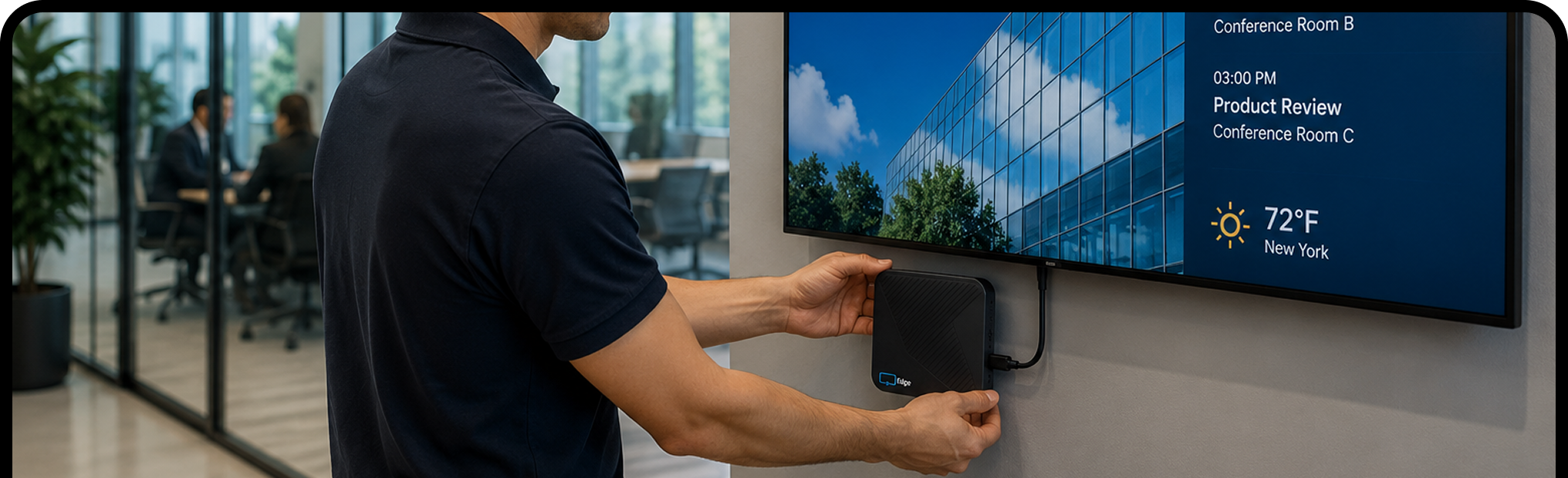
Use an Amazon Fire TV or Google TV device, or the Edge Player from Business Edge, on any TV with an HDMI port. A web player works on other smart TVs and browsers.
Sign in with Google Workspace or Azure AD. Create a design, upload media, or add an app like Canva, Power BI or Google Slides. Our team is here if you get stuck.
Publish once and every selected screen updates. Schedule changes sync within 60 seconds, wherever you are.
Competitor prices are list prices in USD as of Nov 2026, from each vendor's public pricing page (checked 2 Nov 2026). Display NOW's current prices are on our Plans page.
$8 (Basic, as of Nov 2026)
$9 (Standard, as of Nov 2026)
$20 (Core, as of Nov 2026)
Yes. 1 screen
Yes, with limits. Check current terms
No free plan. Free trial available
Player offered on some annual plans
Sold separately, or bring your own device
Device offered on some annual plans
Check with vendor
Yes
Yes
Not listed on pricing page
Not listed on pricing page
Not listed on pricing page
Enterprise plan (SAML)
Pro Plus plan (SAML)
Enterprise plan
Premium plan
Pro Plus plan
Pro plan
Competitor prices are list prices per screen per month on yearly billing, from yodeck.com/pricing, optisigns.com/pricing and screencloud.com/pricing, checked November 2, 2026. Plans change, so check each vendor's site before you decide. Current Display NOW prices are always on our Plans page.
Your Daily Loop: ready-to-play trivia, brain fitness, conversation starters and inspiration for common-area screens.
14-day free trial · No credit card required · 30-day money-back guarantee


Run one screen free forever, or try every feature free for 14 days. When you're ready, Business Edge adds the Edge Player and remote support from our team.

It depends on the plan you need. Display NOW includes SSO on every plan, even Free. Yodeck lists SAML SSO on its Enterprise plan (as of Nov 2026). Current Display NOW prices are always on our Plans page, and Yodeck's are on yodeck.com/pricing.
If a screen runs on an Amazon Fire TV or Google TV device, install the free Display NOW app and pair it with a code. Other smart TVs can use the web player. Yodeck's own players don't run Display NOW, so for those screens Business Edge includes the Edge Player.
Yes. One screen is free forever, with no credit card. You can also try every feature free for 14 days.
Download your images and videos from Yodeck, upload them to Display NOW in bulk, rebuild your playlists and pair your screens. Most teams move one location first, then the rest.
Yes. Get 14 days of full access to every feature, no credit card required. Test it with real screens and real content before you commit. You can also run one screen free forever.
Yes. Manage every screen from one dashboard, wherever it is. Organize screens into groups and folders by location or team, and push different content to different screens at the same time.
Yes. Open Schedules, pick a day, week or month view, and click a time slot to create an event. Events use each screen's local time zone, and changes sync to screens within 60 seconds.
Images, videos, PDFs, Google Slides, PowerPoint, Google Sheets, Power BI dashboards, Canva designs, YouTube, Vimeo, web pages, live weather, news headlines, calendars and more. Social media walls work through third-party tools such as Walls.io.
No. Describe what you want and Generative AI designs it, then refine it in the Designer. You can also use the Canva Designer app, or upload images, videos and PDFs you already have.
The Dashboard shows which screens are online or offline. Set a Notifications policy and you'll get an email or SMS alert (US and Canada) when a screen stays offline longer than your threshold. You can preview and restart screens remotely, and our support team is a call, chat or email away.