
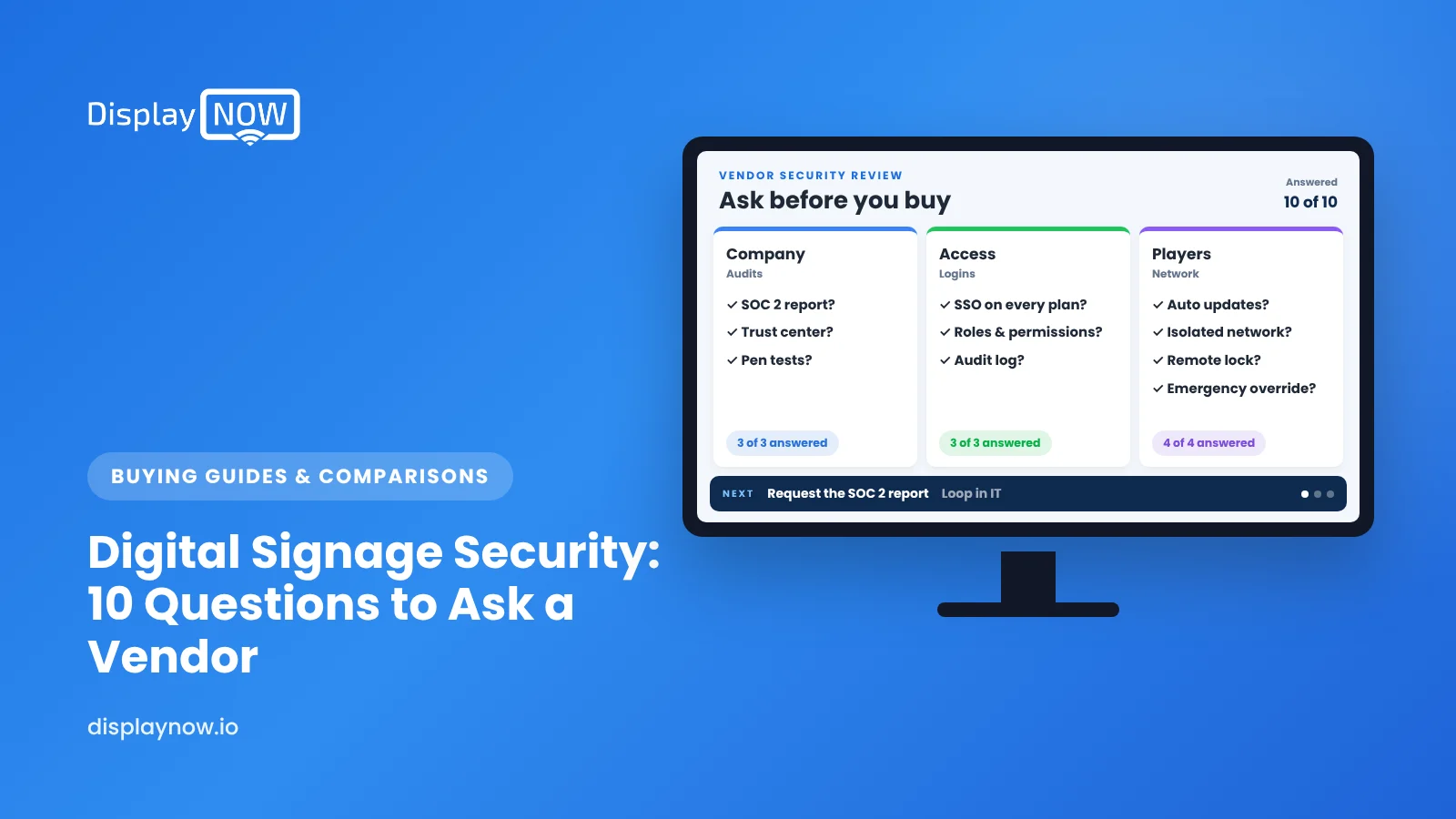
Digital Signage Security: 10 Questions to Ask Before You Buy
What to ask about accounts, devices, networks and audits before screens go on your network.

Treat digital signage like any networked IT system. Before buying, ask the vendor about independent audits such as SOC 2, login and permission controls, who manages and updates players, what network access they need, whether players can sit on an isolated network, remote preview, emergency content removal, and data handling if you cancel.
Digital signage is a network of internet-connected devices in public spaces, so treat it like any other IT system you'd connect to your network. Before you buy, ask the vendor ten questions about account security, device management, network requirements, content controls and independent audits like SOC 2. If a vendor can't answer clearly and in writing, keep looking.
Why does digital signage security matter?
A hacked signage screen isn't hypothetical, and the damage is very public. In February 2025, screens at the U.S. Department of Housing and Urban Development headquarters played an AI-generated video for several minutes as employees arrived, and staff ended up unplugging the TVs, The Record reported. How the screens were compromised wasn't public at the time, but the lesson for buyers is the same: whoever controls the signage account controls what everyone in your lobby sees.
There's also a quieter risk. A signage player is a device sitting on your network, often in a spot nobody watches. If it isn't managed and updated, it can become a way into your network.
What should you ask a digital signage vendor about security?
These are the questions I'd want answered before signing anything. They cover the same ground as university IT guidance like Harvard's digital signage best practices, which stress access control, network isolation, patching, monitoring and restricted content sources.
| # | Question | What a good answer sounds like |
|---|---|---|
| 1 | Do you have an independent security audit, like SOC 2? | "Yes. Here's how to request our report or letter." |
| 2 | How do users log in, and can we enforce strong authentication? | Clear options for strong passwords and multi-factor or single sign-on, with details on which plans include them |
| 3 | Can we limit who can publish to which screens? | Roles or permissions so a location manager can't push content to every screen |
| 4 | Who manages and updates the player devices? | A named owner (you or the vendor) and a described update process |
| 5 | What network access does a player need? | A short, documented list of outbound connections. No inbound ports opened on your firewall |
| 6 | Can players sit on an isolated network or guest VLAN? | "Yes, and that's what we recommend" |
| 7 | Can we see what each screen is showing right now? | Remote preview or screenshots, so you'd notice tampering quickly |
| 8 | How fast can we pull content off every screen? | A priority override or quick unpublish that reaches all screens |
| 9 | What content sources can screens display? | Clear limits on file types and external sources, so you aren't showing a feed you don't control |
| 10 | What happens to our data and devices if we cancel? | A written answer on data deletion and device handling |
What does a SOC 2 report actually tell you?
SOC 2 is an audit framework from the AICPA. An independent CPA firm checks a service provider's controls against trust services criteria such as security, availability and confidentiality. A SOC 2 report doesn't promise nothing will ever go wrong. It does show that the vendor has documented security controls and that an outside auditor has looked at them. For a signage purchase that IT needs to approve, that usually saves weeks of questionnaires.
Display NOW is SOC 2 compliant. If your IT team needs documentation, ask us during your trial.
What can you do on your side to keep screens safe?
- Put players on a separate network segment from point-of-sale, patient or finance systems.
- Use named accounts, not a shared "signage@" login that six people know the password to.
- Remove access the same day someone leaves or changes roles.
- Mount screens and players securely, out of easy reach, and lock enclosures in public areas.
- Turn off unused inputs or lock the TV's settings, so a visitor can't plug in a laptop or change the source.
- Check your screens remotely every week, even when nothing seems wrong.
Is a consumer streaming stick a security risk?
Not by itself, but it's another device someone has to keep updated and watch. For one screen in a back office, a stick on a TV you trust is fine. For customer-facing screens, many locations or networks your IT team tightly controls, a managed player is easier to defend. The Display NOW Edge Player is managed by our own device management, and our team handles remote support. Our Fire TV Stick vs dedicated player comparison goes deeper on that choice.
If you're evaluating platforms now, you can start a 14-day free trial with no credit card and put these ten questions to us directly. You can also compare tiers on our plans page.
FAQs
Can digital signage be hacked?
Any connected device can be compromised if accounts are weak or devices aren't maintained. Strong login controls, managed players, network isolation and regular checks reduce the risk a lot.
Does digital signage need to be on our main network?
Usually not. Most cloud signage players only need outbound internet access, so they can run on an isolated network or guest network. Confirm the exact requirements with your vendor.
Is SOC 2 the same as being "certified secure"?
No. SOC 2 is an independent audit of a vendor's controls at a point in time or over a period. It's a strong signal, but you should still configure accounts and devices well on your side.
What should we do if a screen shows something it shouldn't?
Turn off or unplug the screen first, then remove or override the content from the dashboard, change passwords on the account, and check who published recently. Report it to the vendor right away.
- Screens at HUD headquarters played an unauthorized video in Feb 2025.
- Ask for SOC 2 or equivalent independent audit evidence.
- Put players on an isolated network and use named accounts.
- Check every screen remotely each week.
Start free in minutes: one screen free forever, or try every feature free for 14 days. No credit card.
Start freeCompare plansGet Started


