
Blog
School Announcement Screens: How to Run Daily Announcements and Bell Schedules on Hallway TVsNovember 6, 2026

No SD cards, no scripts, no auto-start hacks
A Raspberry Pi can run a screen, until the SD card corrupts, an update breaks auto-start, or it overheats behind the TV. The Display NOW Edge Player is a commercial signage player that comes with our cloud software in one plan.

Based on 49 reviews

in minutes
via Google Workspace
& Azure AD
+ cloud software
in one plan


Display NOW founder and CEO Chris Dukich understood that firsthand.

“I created Display NOW because I had a basic need for signage to communicate announcements to residents in a condo building. I didn’t want to pay the ridiculous prices that other providers charge. I tried to go the ‘free’ route, but I ended up coming home to blank screens and putting in hours each month just keeping them alive.
Business owners and managers face rising costs every year, and ‘free’ looks attractive when you’re trying to keep things lean. But our competitors use ‘free’ plans as glorified trials. Limited screens, watermarked content, missing features, all designed to push you to upgrade. Free often costs more than paying a reasonable price when you add up the downtime, the support tickets, and the hours you spend keeping it running.
We built Display NOW with the goal of being the number one best value on the market. We have a free plan for people who genuinely need a basic solution, with real features, not a trial. And for everyone else, we built the Edge Player so you never have to worry about hardware again.”

Founder & CEO, Display NOW
.svg)
.svg)
.svg)
.svg)
.svg)
.svg)
Printed notices and screens that go dark cost more than they look. Here’s what reliable signage is worth.

of organizations say signage improves staff engagement
43% report a significant uplift. Source: ScreenCloud / Google ChromeOS, State of Digital Signage 2023–2024 (n=2,400).

of viewers recalled the message
Nearly half of the people who passed a digital sign could recall the specific message it showed. Source: Arbitron Digital Video Display Study.

of workers say screens boost their productivity
Workers say information on digital screens helps them get more done at work. Source: ScreenCloud / Google ChromeOS, State of Digital Signage 2023–2024.
The board is cheap. The case, power supply, SD card, cooling and hours of setup and upkeep are where the cost really lives.
Constant writes wear out SD cards, and a corrupted card means a blank screen and a re-image. The Edge Player runs on 32GB of built-in eMMC storage instead.
Kiosk scripts and browser flags work until an OS update changes something. The Edge Player boots straight into Display NOW, with no scripts to maintain.
VPNs, SSH and port forwarding just to see what a screen is doing. Display NOW shows every screen’s status in one dashboard, and on Business Edge we can remote into the player to fix it.
Different images, different versions, different fixes. Business Edge puts the same signage player behind every screen, with remote device support from our team.
.svg)
.svg)
.svg)
%201%20(traced).svg)
.svg)
.svg)
Display NOW gives you the cloud dashboard, scheduling and remote management you were scripting yourself, plus a player that’s built for it.

4K HDR playback at 60fps. 4GB of RAM and 32GB of storage, built for signage content, not a hobby board.
Watchdog auto-recovery. If the player ever hangs, it restarts itself.
Offline playback. Screens keep playing cached images, videos and PDFs if the network drops.
Manage every screen from one dashboard. Schedule playlists, group screens and see what’s playing from anywhere.
Some features, including remote device support, are available on specific plans. See the Plans page for what each plan includes.
.png)
.png)
.png)
.png)
.png)
.png)
.png)
.png)
Your Daily Loop: done-for-you content, refreshed every day
Common-area screens are the hardest to keep fresh. Nobody owns them, so nothing gets updated, and the screen ends up showing the same slide from six months ago.
Your Daily Loop fills that gap. Professionally curated programming updates automatically every day. Your team sets it once and doesn't touch it again.
Available as an add-on. See pricing for details.
Professionally designed templates for every kind of message. Swap in your logo, update colors and copy, and publish to every screen. No designer needed.

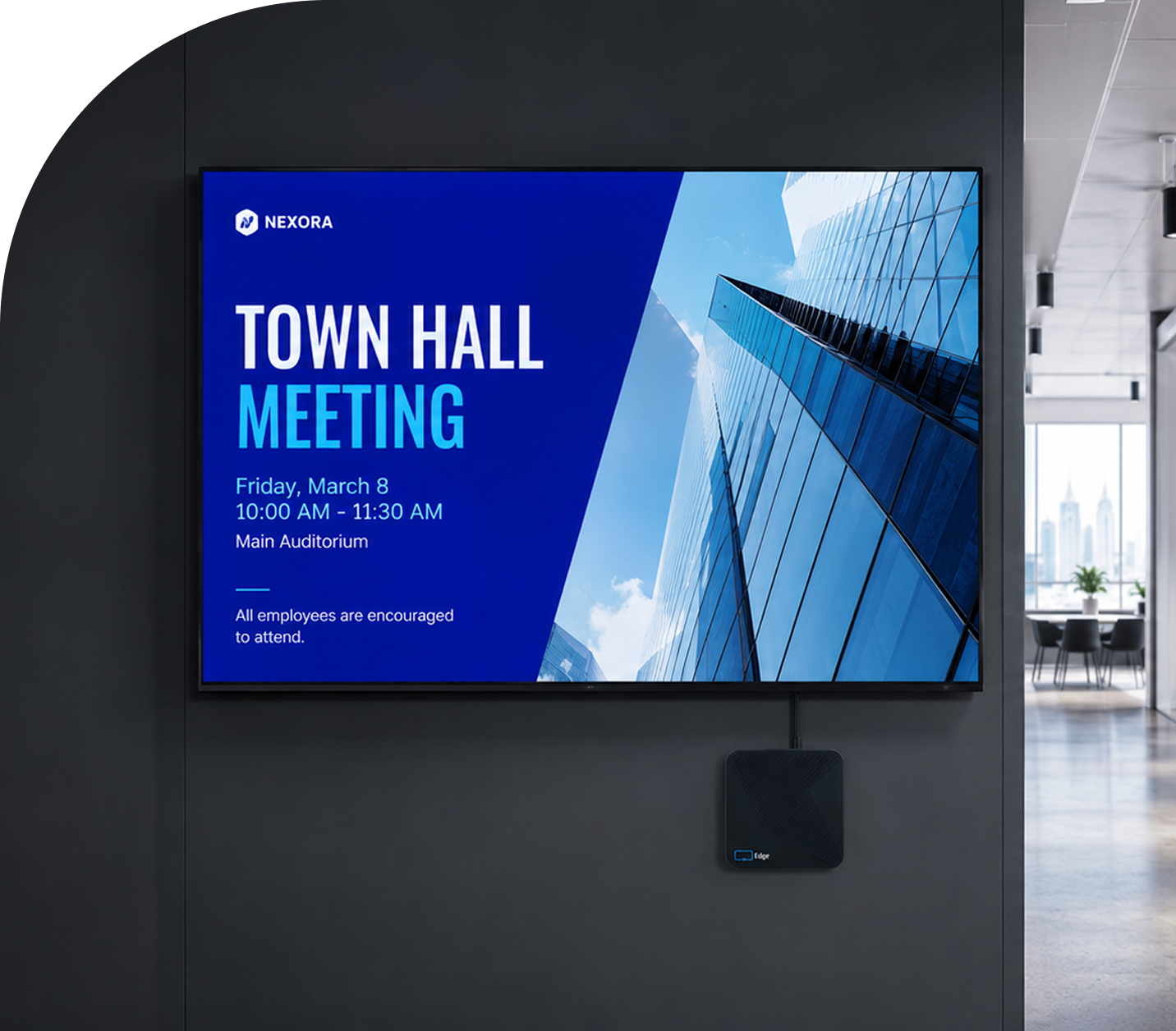
Announcements

Events and Calendars

Seasonal Campaigns

Welcome Screens
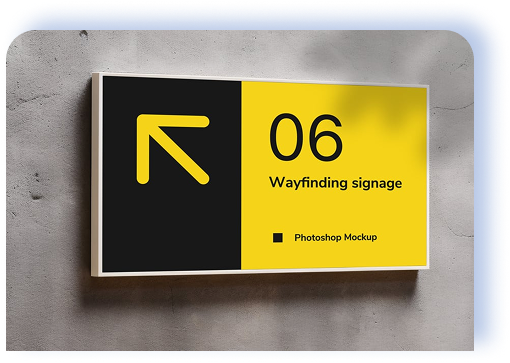
Wayfinding and Navigation

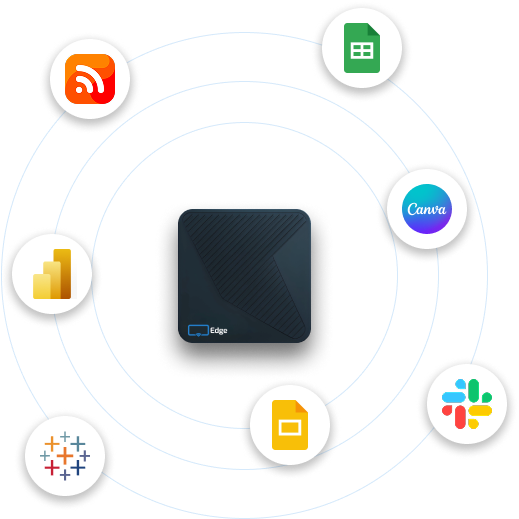
Already designing in Canva? You can easily save media right to Display NOW with our integration.
Save from Canva to Manager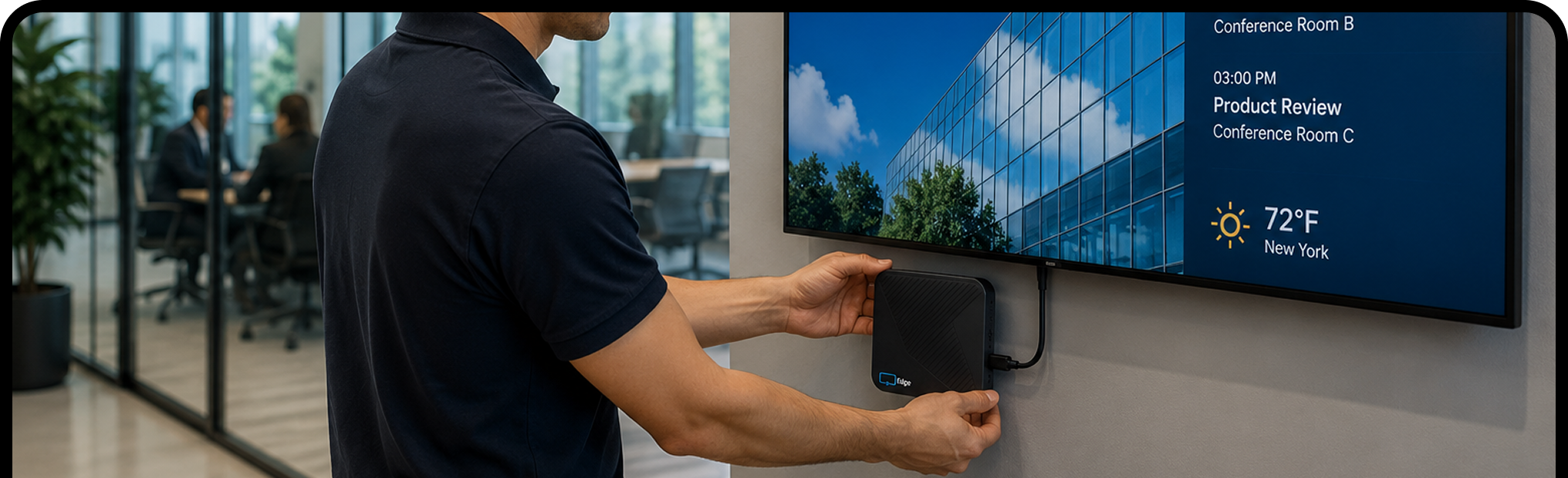
Plug the Edge Player into any TV or display with an HDMI port, connect it to Wi‑Fi, and enter the pairing code.
Sign in with Google or Microsoft. Start from a template, save from Canva, describe a design to our AI, or upload your own files.
Publish once and every selected screen updates. Schedule changes sync within 60 seconds, and you can make them from your laptop or phone.


Try Display NOW free for 14 days, then plug in an Edge Player and retire the Pi. Business Edge includes the player and remote device support from our team.
.svg)
For screens that need to run all day, yes. The Edge Player is a commercial signage player with 4K HDR playback, built-in eMMC storage instead of an SD card, watchdog auto-recovery, and offline playback. It boots straight into Display NOW, so there are no scripts to maintain.
No. Display NOW doesn’t run on Raspberry Pi. Replace the Pi with an Edge Player, which is included with Business Edge, or use the free Display NOW app on a supported device you already own.
Any TV or monitor with an HDMI port. The Edge Player, included with Business Edge, is a signage player built to run all day. Display NOW also runs on Amazon Fire TV and Google TV with the Display NOW app, and on other smart TVs and browsers with the web player.
The Edge Player is included with the Business Edge plan, with remote device support from our team. See the Plans page for current pricing.
Yes. Get 14 days of full access to every feature, with no credit card required. Test it with real screens and real content before you commit, and every paid plan has a 30-day money-back guarantee.
Yes. Manage every screen from one dashboard, wherever it is. Organize screens and content in folders (we recommend one folder per location), share them with local teams through Groups, and send different content to different screens.
Yes. Schedule content by time of day, day of week, or a custom date range, so the right message shows at the right time without anyone touching a screen.
Images, videos and PDFs, designs from the Designer or Canva, Google Slides, PowerPoint, Google Sheets, Power BI, YouTube, web pages, weather, news and more from the Media App Store.
No. Describe what you want and our Generative AI designs it, then refine it in the Designer. You can also start from a template, or save designs straight from Canva.
Display NOW shows the screen as offline on your Dashboard, and a notification policy can alert your team by email or SMS (US and Canada) once it has been offline longer than the threshold you set. On the Edge Player, cached images, videos and PDFs keep playing while the connection is down. When the screen reconnects, it picks up any new content and schedule changes.


