
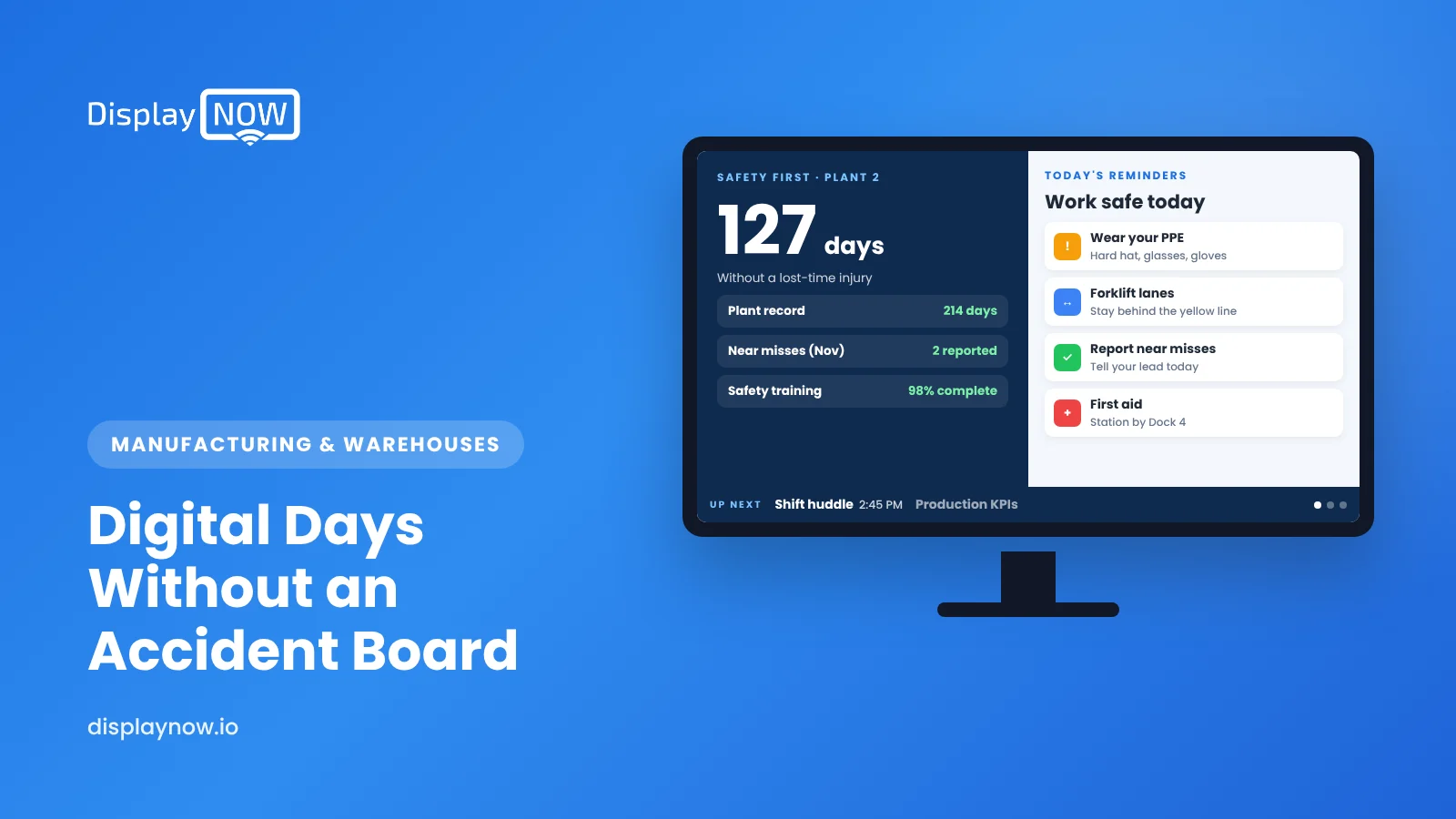
Digital "Days Without an Accident" Boards: How to Run One on a Factory TV
Keep the safety count accurate, automatic and fair to the people who report injuries.

A digital days-without-an-accident board is a factory TV showing days since your last recordable injury plus leading indicators like near-miss reports. Calculate the count from the last incident date in a spreadsheet or dashboard so it updates itself, print the definition under the number, and design it so it never discourages anyone from reporting an injury.
A digital "days without an accident" board is a TV on the plant floor that shows how many days have passed since your last recordable injury, plus a few leading safety numbers next to it. It's easier to keep accurate than a manual flip counter, because the count can come from a date in a spreadsheet or a dashboard instead of someone remembering to change the digits each morning. The main thing to get right isn't the screen. It's making sure the number never discourages anyone from reporting an injury.
Why are plants replacing manual safety counters with TVs?
Flip-number and dry-erase counters work until the person who updates them goes on vacation. Then the board shows yesterday's number, or last week's, and people stop trusting it. A screen fixes three problems at once:
- It stays current. If the count is calculated from the date of the last incident, it updates itself every day.
- It has room for more than one number. A single counter only tells people about the past. A screen can also show near-miss reports, open hazards and this week's safety topic.
- It can be changed from the office. When a reset happens, the EHS manager updates one date. They don't have to walk out to the line with a marker.
If you're already putting KPIs on factory screens, the safety board can be one slide in the same loop. Our guide to what to show on factory floor TV screens covers the rest of the playlist.
What should the counter actually count?
Pick one definition, write it on the board, and stick to it. "Days without an accident" sounds simple, but people will read it differently unless you spell it out. Common choices:
| Counter | What resets it | Good for | Watch out for |
|---|---|---|---|
| Days since last recordable injury | An injury that meets your OSHA recordkeeping criteria | Matching the numbers on your OSHA 300 log | Can take days to confirm whether a case is recordable |
| Days since last lost-time injury | An injury that causes days away from work | Plants with long stretches between recordables | Can hide smaller injuries that still matter |
| Days since last first-aid case | Any first-aid treatment | Small shops that want a sensitive measure | Resets often, which can make people tune it out |
Whatever you choose, add a line under the number, such as "Days since last recordable injury (Building 2)." That stops arguments about whether a cut finger "counts."
Can a days-without-injury board discourage reporting?
It can, and this is the part most sign vendors skip. OSHA's recordkeeping rule says employers can't discourage workers from reporting injuries. In an October 2018 interpretation memo, OSHA said rate-based programs, like rewards for injury-free months, are allowed as long as they aren't run in a way that discourages reporting. The memo also says a non-retaliation policy alone may not be enough when a lot of reward money is tied to the count. It suggests balancing that with things like rewarding hazard reports and training people on their right to report.
In practice, that means your screen should never make the person who reports an injury the person who "broke the streak." A few design choices help:
- Put a leading indicator right next to the count. "Near-miss reports this month: 14" says reporting is what you want.
- Thank people for reporting on screen. A slide like "23 hazards reported and fixed this quarter. Thank you" rewards the behavior you need.
- Don't tie a big crew prize only to the counter. If there's a reward, tie part of it to participation measures too.
- Reset the number without blame. Show the new count and the lesson learned. Never show a name.
Your safety manager or employment counsel should check how your incentive program and the counter work together.
What does a good digital safety board look like?
Keep it readable from the far side of the aisle. One big number, two or three supporting numbers, and one short message. Here's a layout that works on a single landscape screen:
| Area of the screen | Content | Update rhythm |
|---|---|---|
| Left half | Big number: days since last recordable injury, with the definition underneath | Daily (automatic if calculated) |
| Top right | Near-miss and hazard reports this month | Weekly |
| Middle right | Best run in the last 12 months (the target to beat) | When it changes |
| Bottom right | This week's safety focus (for example, forklift pedestrian zones or lockout/tagout) | Weekly |
Use high-contrast colors. White or yellow on dark blue reads well under factory lighting. Skip red as the background color for normal days. If red shows up every day, people stop noticing it.
How do you keep the count updating automatically?
You have three realistic options, from simplest to most connected:
- A daily slide. Someone updates a template each morning and uploads it as an image. It's fine for a single screen, but it brings back the "someone forgot" problem.
- A spreadsheet. Keep the date of the last recordable injury in one cell, and have a formula subtract it from today's date. The screen shows the sheet, so when an incident happens, the EHS manager changes one date and every screen updates. Our guide on showing an Excel or Google Sheets spreadsheet on a digital sign explains the setup.
- A dashboard. If your EHS data already lives in Power BI, put the safety tile right on the screen next to production KPIs.
Display NOW for manufacturing supports Power BI dashboards and scheduled playlists, so the safety board can run all day while shift-change messages appear only around start times. You can also see a remote preview of each screen, which helps when the board is in a building you're not in.
What hardware works on a factory floor?
Most plants use a commercial-grade or good consumer TV in a protective enclosure, mounted high enough that forklifts can't hit it. For the player, a streaming stick is fine for one screen you can easily reach. For screens mounted high, spread across buildings or on a network IT manages tightly, a dedicated player is easier to live with. The Display NOW Edge Player is in stock, and our team handles remote device support on it, so nobody needs a ladder to troubleshoot.
FAQs
Is a "days without an accident" sign required by OSHA?
No. OSHA doesn't require a safety counter of any kind. It's a voluntary communication tool. What OSHA does regulate is recordkeeping and whether workers feel free to report injuries.
Should the counter reset for first-aid cases?
That depends on the definition you choose. Many plants reset on recordable injuries so the board matches the OSHA 300 log. Whatever you pick, print the definition on the board.
Can we show counters for several buildings on one screen?
Yes. A spreadsheet or dashboard with one row per building works well. Keep it to about four buildings per slide so the numbers stay readable from a distance.
What should the screen show right after a reset?
Show the new count, a one-line lesson learned, and a reminder that reporting keeps everyone safe. Don't name anyone, and don't show the old streak in a way that reads like blame.
Disclaimer: This article is for general information only and is not a substitute for legal advice. OSHA recordkeeping, anti-retaliation and incentive-program rules depend on your facts and may change, and state-plan states can have different requirements. Talk to your safety professional or employment counsel before you design an incentive program or decide what your counter should track.
- Pick one definition (recordable, lost-time or first aid) and print it on the board.
- OSHA allows rate-based incentives only if they don't discourage reporting (2018 memo).
- Show near-miss and hazard reports next to the count.
- Calculate the count from one date in a sheet or Power BI so it updates itself.
Start free in minutes: one screen free forever, or try every feature free for 14 days. No credit card.
Start freeCompare plansGet Started


