
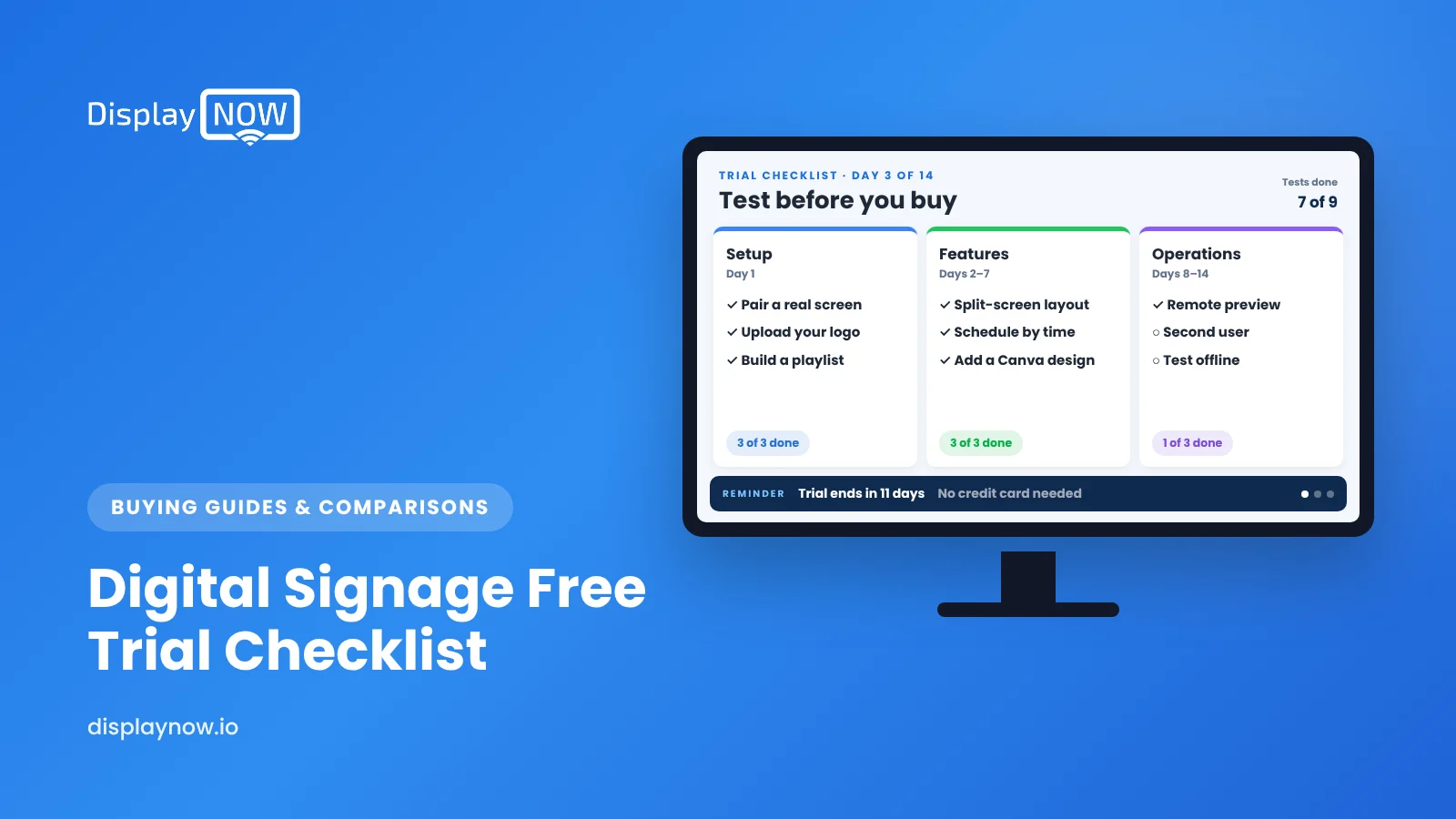
Digital Signage Free Trial Checklist: What to Test Before You Buy
A day-by-day test plan that tells you whether the software will work on your real screens.

Use a digital signage free trial to prove your own content can reach your own screen and stay there without babysitting. Pair a real TV on day one, build slides with your real content, schedule a change, update it remotely, test recovery after a power or network loss, and confirm it's still playing after a weekend.
Use a digital signage free trial to prove one thing: that your own content can reach your own screen and stay there without babysitting. Connect a real TV on day one, put real content on it, schedule something to change on its own, and check it remotely for a week. If the software passes those tests, the feature list matters a lot less.
I've watched a lot of trials, and the ones that end in a confident decision follow roughly the same plan. Here it is.
What should you do on day one of a digital signage trial?
Get a real screen playing. Not a browser preview, an actual TV in the spot where it will hang. Most trials that fizzle never get past the dashboard, because the hardware step gets put off.
- Pick one screen in a visible spot: front counter, lobby, break room.
- Plug in the player you plan to use long term. If the vendor supports streaming devices, a Fire TV or Google TV device you already own is fine for testing.
- Pair the screen and upload one image. Time how long it takes; under 15 minutes is a good sign.
What should you test in the first week?
| Day | Test | Pass if |
|---|---|---|
| 1 | Pair a real screen and show one slide | Done in one sitting without calling support |
| 2 | Build 5–8 slides of your actual content (menu, schedule, promo, notice) | A non-designer on your team can make one |
| 3 | Schedule a slide to start and stop at set times | It changes on its own, on time |
| 4 | Change something from your phone or a different location | The screen updates without anyone standing next to it |
| 5 | Unplug the TV's network or power, then restore it | It comes back to the right content without help |
| 6–7 | Leave it alone over a weekend | Still playing Monday morning, and you can confirm that remotely |
Which features matter most during a trial?
Feature lists are long and mostly similar. In a trial, focus on the things you'll touch every week:
- Content creation. Can you make a decent slide in minutes? Templates, a Canva integration or an AI design tool save hours over a year.
- Scheduling. Can you set day-parts (breakfast and lunch menus, shift notices) and handle overlaps cleanly? Calendar-style scheduling with priorities is worth testing directly.
- Remote visibility. Can you see what each screen is actually showing right now, from anywhere?
- Hardware support. When a screen freezes, who fixes it? The answer differs a lot between vendors, and between consumer sticks and dedicated players.
- Security. If IT will be involved, ask for the vendor's security documentation early. A SOC 2 report means an independent auditor has assessed the vendor's controls against the AICPA's trust services criteria (security, availability, processing integrity, confidentiality and privacy), as Baker Tilly explains.
What questions should you ask before the trial ends?
- What exactly does the price include per screen: player, support, users, storage?
- Is pricing annual, monthly, or both, and is there a minimum term?
- Is there a free plan if I only need one screen?
- Who handles device problems, and how?
- Can I export or keep my content if I leave?
For a broader checklist of vendor questions, see evaluating digital signage providers.
Which trial mistakes should you avoid?
- Testing with placeholder content. Stock images tell you nothing. Use your real menu or schedule, even if it's rough.
- Evaluating alone. Have the person who will update screens day to day build at least one slide.
- Waiting until day 13. Hardware and IT questions take time. Start them in week one.
- Comparing five vendors at once. Shortlist two, run both on real screens for a week, and decide.
How does the Display NOW trial work?
I'll spell out ours so you can hold us to the same standard. The trial is 14 days, free, with no credit card. Display NOW runs on Amazon Fire TV and Google TV devices, so you can test on hardware you may already own, and you get unlimited playlist items, calendar scheduling with priority for overlapping events, Canva integration and AI design, and a remote preview of each screen. If you only need one screen, our Free plan covers one screen at no cost.
If you want the supported route, the Display NOW Edge Player is included with Business Edge at $19 per screen per month billed annually, or $29 monthly on a 12-month term. It's in stock and ships in 1–2 business days, and our team handles remote device support. We're SOC 2 compliant and rated 4.3 on Trustpilot. Compare options on plans or read about the Edge Player.
Frequently asked questions
How long is a typical digital signage free trial?
Many vendors offer 14 to 30 days. Fourteen days is enough if you connect a real screen in the first two days and follow a test plan.
Do I need special hardware to try digital signage?
Not always. Many platforms, including Display NOW, run on consumer streaming devices like Amazon Fire TV and Google TV, so you can test with a TV and a device you may already have.
What happens to my content when a trial ends?
It depends on the vendor. Ask before you start whether content stays in your account, moves to a free plan, or is deleted after a set period.
Should I trial on more than one screen?
One screen is enough to test the software. Add a second only if multi-screen scheduling or different content per location is central to how you'll use it.
- Connect a real screen on day one, not just a browser preview.
- Have the person who'll update screens build a slide.
- Test scheduling, remote updates and recovery, not just features.
- Ask what the per-screen price includes and who fixes devices.
Start free in minutes: one screen free forever, or try every feature free for 14 days. No credit card.
Start freeCompare plansGet Started


