
Digital Signage Pricing Models Explained: Per Screen, One-Time License or Free
How per-screen SaaS, one-time licenses and free plans compare, with a 3-year cost formula.

Most cloud digital signage is priced per screen, per month, with a discount for annual billing. Alternatives are one-time licenses with ongoing support fees and free plans for one or a few screens. To compare vendors, multiply the per-screen price of the tier you need by 36 months and your screen count, then add hardware and add-ons.
Most cloud digital signage today is priced per screen, per month, with a discount if you pay for the year up front. The alternatives are a one-time software license with paid support afterward, or a free plan that covers one or a few screens. If you know how many screens you'll run and for how long, you can compare any two vendors in about five minutes. Here's how I'd do it.
What are the main digital signage pricing models?
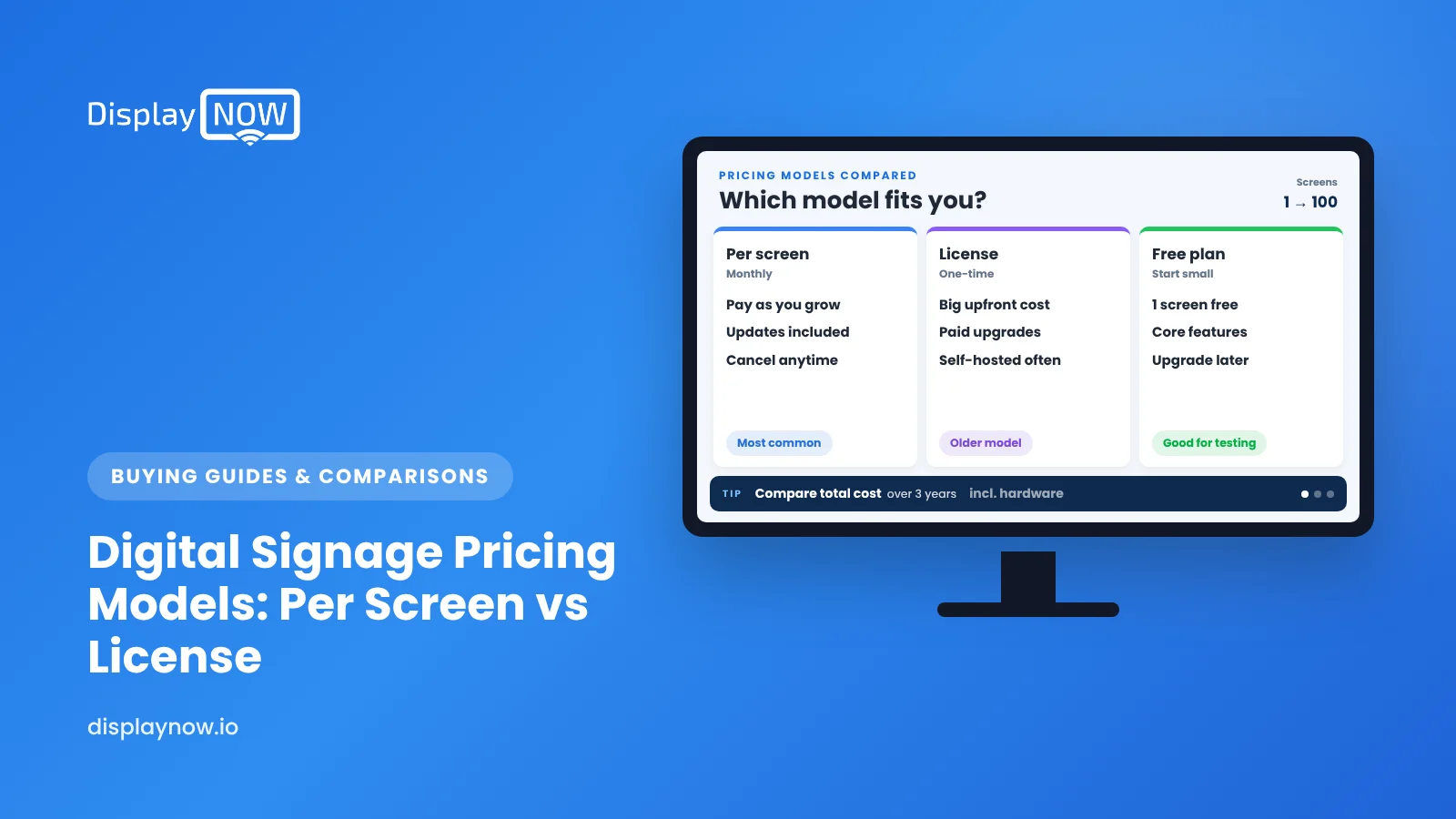
You'll run into four structures. Some vendors mix them.
| Model | How you pay | Best fit | Hidden cost to check |
|---|---|---|---|
| Per screen, per month (SaaS) | A monthly fee for each screen, usually cheaper if you prepay annually | Most small and mid-size businesses | Feature tiers, add-ons, minimum screen counts |
| Per screen with hardware included | A higher per-screen fee that includes a media player | Teams that don't want to source players | Contract term and who owns the device |
| One-time (perpetual) license | Pay once per screen or player, then pay for support | Large, stable networks with in-house IT | Support renewals, upgrades, servers you host |
| Free plan | $0 for a limited number of screens | Trying a platform or running one screen | Branding on screen, playlist limits, upgrade price |
Subscriptions cost more over a long period. In exchange, you get ongoing updates, and the vendor has to keep earning your renewal. One-time licenses look cheaper on a five-year spreadsheet, but there's an easy line to miss: the yearly support you'll keep paying so the software stays compatible with new screens and operating systems. Pickcel and TelemetryTV both explain this trade-off, though neither publishes license prices.
What do popular platforms charge per screen?
These are list prices from each vendor's public pricing page when we checked in November 2026. Prices change, so confirm them before you buy.
| Platform | Entry paid plan (per screen/month) | Free option | Player included? |
|---|---|---|---|
| Yodeck | $8 (Basic) | 1 screen | Yes, on annual plans |
| OptiSigns | $9 billed annually, $10 monthly (Standard) | Up to 3 screens, with the vendor's logo on screen | Sold separately |
| ScreenCloud | $20 billed annually (Core) | No free plan, 14-day trial | Device offer on some annual plans |
| Display NOW | See our pricing page for all tiers. Business Edge is $19 billed annually or $29 monthly | 1 screen, free | Yes, the Edge Player is included with Business Edge |
A cheaper entry tier doesn't always mean a cheaper bill. The feature you need, such as dashboards, a video wall or more storage, often sits one or two tiers up. So I always tell people to price the tier you'll actually need, not the cheapest one on the page.
How do you compare total cost over three years?
Use one simple formula for every vendor:
3-year cost = (per-screen monthly price × 36 × number of screens) + hardware you buy + add-ons + setup time.
Here's a worked example for 5 screens on Display NOW Business Edge, billed annually: $228 per screen per year × 5 screens × 3 years = $3,420. That price includes an Edge Player for each screen, so you don't add separate player hardware. You still need the TVs and mounts.
Run the same math for each shortlisted platform, adding the cost of any players you'd buy and the add-ons you know you'll use. If a vendor requires a minimum screen count, use the minimum, not your actual count.
What contract terms matter as much as price?
- Term length. Monthly billing isn't always month-to-month. For example, our monthly Business Edge price comes with a 12-month term because a player ships with it. Ask every vendor directly.
- Who owns the hardware. If a player is "included," find out what happens to it if you cancel.
- Price changes at renewal. Ask whether your rate is locked for the term and what the renewal policy is.
- Support. Is remote device support included, or is it an add-on? Who does the troubleshooting when a screen goes dark?
- Free plan limits. Watch for logos on screen, playlist item caps and storage caps.
Which pricing model should you choose?
My honest view: for most businesses with 1 to 50 screens, per-screen SaaS is the right answer. You get updates, you don't run servers, and you can add or drop screens as locations change. Perpetual licenses make sense for large organizations with IT staff who want to host everything themselves. Free plans are great for proving the idea on one screen before you spend anything.
If you want to test before deciding, Display NOW has a free plan for one screen and a 14-day free trial with no credit card. Run your real content on a real screen, then do the 3-year math above with real numbers. Our Fire TV Stick vs dedicated player breakdown can help with the hardware part of the decision.
FAQs
Is digital signage software usually priced per screen or per location?
Almost always per screen, or per player. A location with four screens usually pays for four licenses. A few enterprise plans price by location or by volume, so ask if you have many screens per site.
Is annual billing worth it?
If you're confident the screens will stay up for a year, yes. Discounts commonly run 10% or more. If you're still testing, use a free plan or trial first instead of paying monthly at a higher rate.
Do I need to buy a media player separately?
It depends on the platform and the plan. Some include a player on annual plans. Others run on streaming devices such as Amazon Fire TV or Google TV, which you buy yourself. Display NOW runs on both and includes the Edge Player with Business Edge.
What's the cheapest way to run one screen?
A free plan on a TV you already own, with a low-cost streaming device. Display NOW's free plan covers one screen.
Disclaimer: This article is for general information only and is not a substitute for legal advice. Contract terms such as term length, renewal pricing, cancellation and hardware ownership vary by vendor and by state or country. Read each vendor's agreement and talk to a qualified attorney before you sign a multi-year or high-value contract.
- Per-screen SaaS fits most businesses with 1 to 50 screens.
- Price the tier you need, not the cheapest on the page.
- 3-year cost = monthly price x 36 x screens + hardware + add-ons.
- Ask about term length, hardware ownership and renewal pricing.
Start free in minutes: one screen free forever, or try every feature free for 14 days. No credit card.
Start freeCompare plansGet Started


