

Step 1: Get a supported TV, streamer or Edge Player


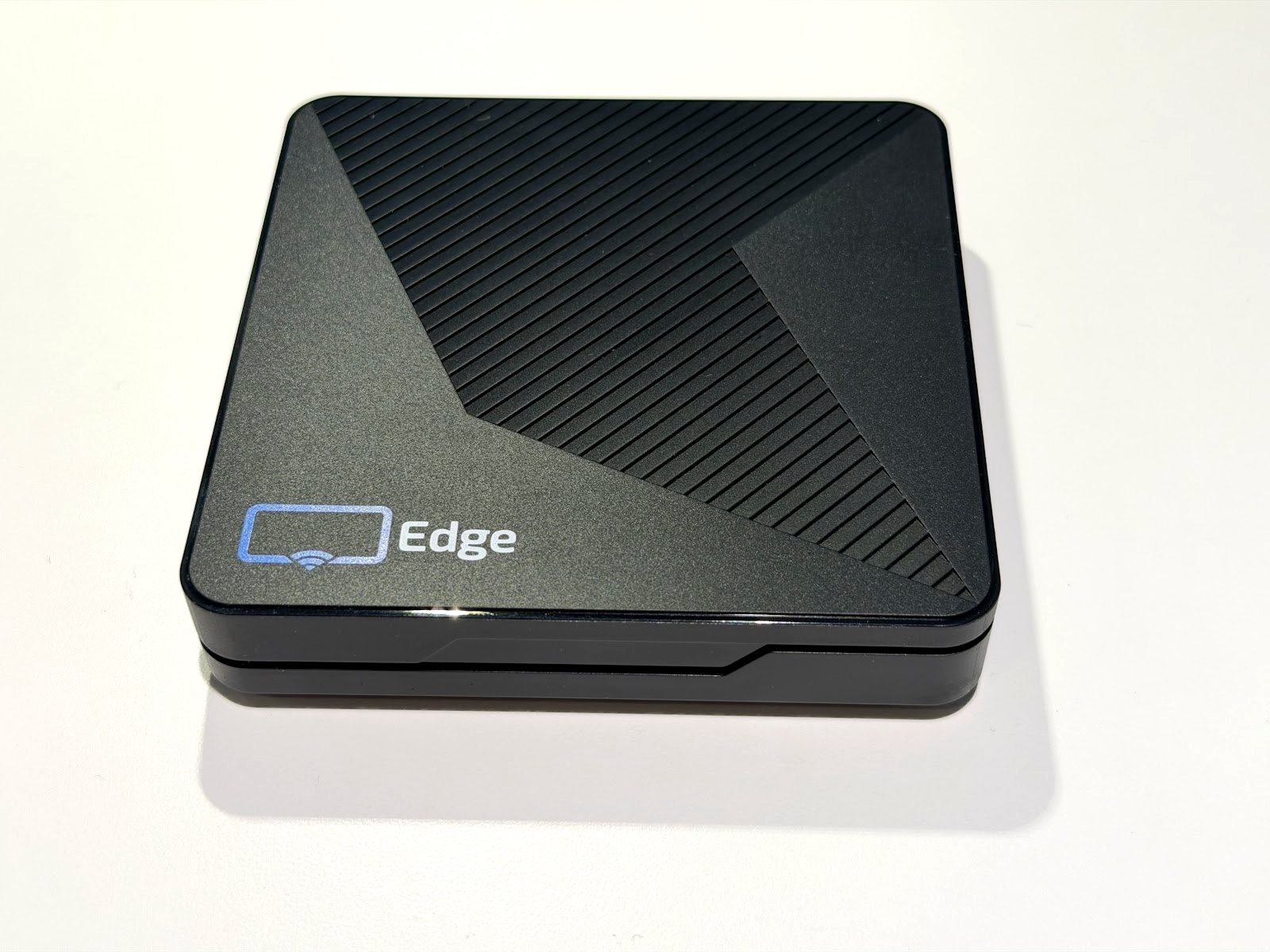
Edge Player
Recommended. Included with Business Edge, with remote device support from our team.
GET EDGE


Step 2: Download and install Display NOW Digital Signage Player App
Display NOW Digital Signage Player App
Install the app on a compatible device of your choice. Pair the player with manager.displaynow.io so you can show media manage it from anywhere.
Set it up and forget about it.
Easily update content from anywhere, on any device.
Scale to any number of screens.


Step 3: Pair the player app with Digital Signage Manager
Once your player is paired, it's time to add media to show on your screens.
Digital Signage Manager works on desktop and mobile devices so you can manage your screens from anywhere.
What is a digital signage media player?


A digital signage media player is a device that plays content such as images, videos and web pages on a TV or display. You manage what it shows remotely, from anywhere. Learn more about digital signage players here.
What are the benefits of using a digital signage media player?
A dedicated player keeps your content running on its own. You update content, playlists and schedules from Display NOW in a browser, and you can check each screen's status, see a remote preview and restart it without touching the TV.
How do I choose the right digital signage media player for my business?
Think about how many screens you need, where they are, and who will look after them. A Fire TV or Google TV device works well for a few screens. For business locations we recommend the Edge Player: it is included with Business Edge and comes with remote device support from our team. We're happy to help you choose, just ask.
How do I set up a digital signage media player?
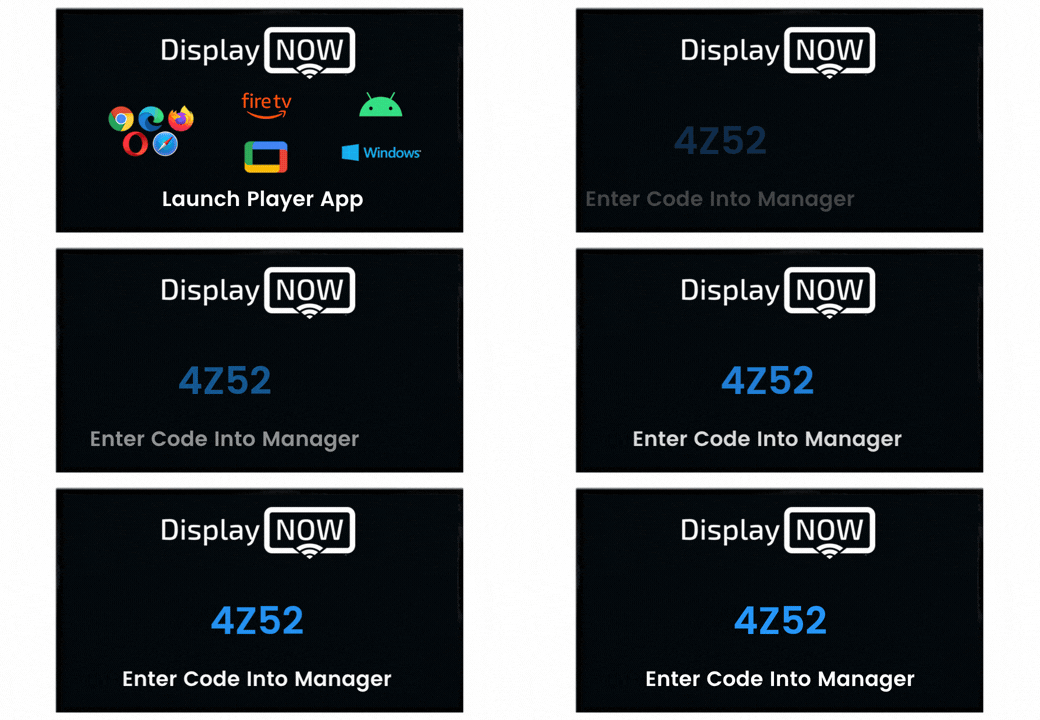
Connect the player to your TV's HDMI port and to the internet, then install the Display NOW app. Open it and enter the pairing code it shows in Digital Signage Manager. Then add content and assign it to the screen.
How much does a digital signage media player cost?
The Display NOW app is free to install on Amazon Fire TV and Google TV devices. The Edge Player is included with the Business Edge plan. Current prices are on our Plans page, and you can start with the Free plan (1 screen, forever) or a 14-day free trial with no credit card.


